What Is Substack And How Does It Work? 6 Questions To Answer Before You Start Yours
Nicolas ColeNovember 6, 2026
What is Substack and how does it work? Start yours in an afternoon, know what it costs, and turn Notes followers into paying subscribers.
In 2019, I emailed the founders of Substack and asked if I could invest in their first round.
They said they were full. I was disappointed, but I kept recommending the platform in every writing program Dickie Bush and I ran, because I could see what they were building. I've been writing online for over a decade, and I've watched a few platforms have their moment. Quora was an incredible platform from 2014 to 2018. Medium had its run from 2017 to 2020.
Substack is in its golden years right now.
So what is Substack and how does it work? Substack is a place to publish a newsletter: every post goes out as an email and lives on the web, and you can charge for it. It's free to start, with no monthly fee and no cap on free subscribers. Dickie and I built our paid newsletter, Write With AI, on it. Today it brings in $400,000 a year from 120,000 subscribers, and we've never run an ad.
Below are the 6 questions I'd answer before starting a Substack of your own. (And once you're writing, Typeshare can schedule your Substack Notes and newsletters for you. You do the writing; the robots do the rest.)
Question #1: How Does Substack Work?
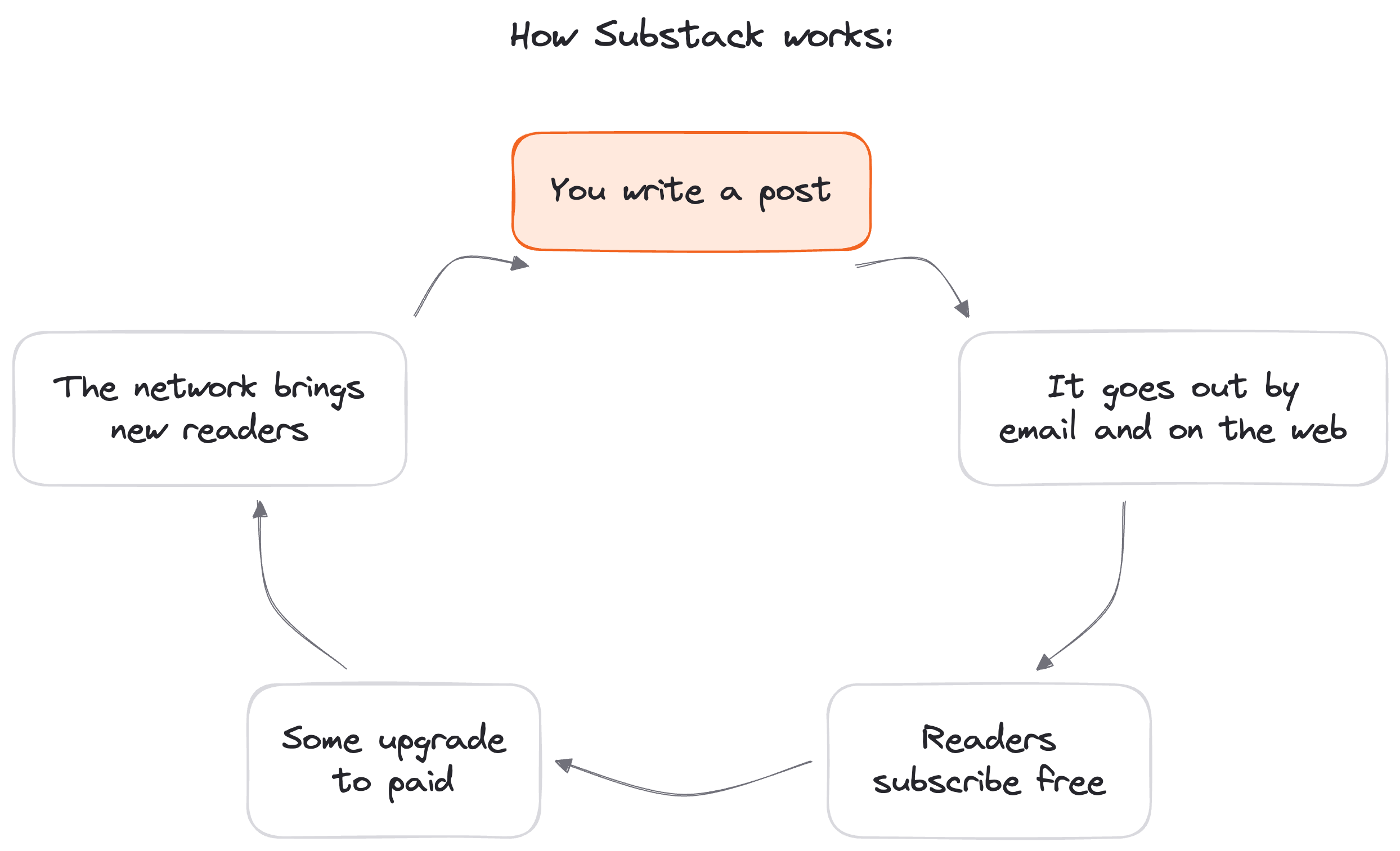
Substack works like a loop, and every writer on it runs the same five steps.
The first step is the one you already know: you write. Every post you publish on Substack "can be sent as an email newsletter," and the same post lives on your publication's website. One piece of writing lands in two places at once.
Next, readers subscribe for free. They can do it on the web or in Substack's iOS and Android apps, and from then on every issue you send lands in their inbox.
Then you decide whether to charge.
Substack handles paid subscriptions with monthly and annual billing, through Stripe or an in-app purchase. You can also offer a founding member tier at a price you set, for the readers who want to back you.
The fourth step is the one that makes Substack different from a plain email tool. The network sends you readers. Substack says "more than half of new subscribers come from Substack's built-in network," and over 30% of paid subscriptions too. Readers find you through recommendations from other writers and through Notes, Substack's social feed. (If you want help there, the Substack Agent writes Notes from your own past newsletters and posts, and you can schedule Notes and newsletters from Typeshare.) For Write With AI, 35% of all subscribers came from inside Substack.
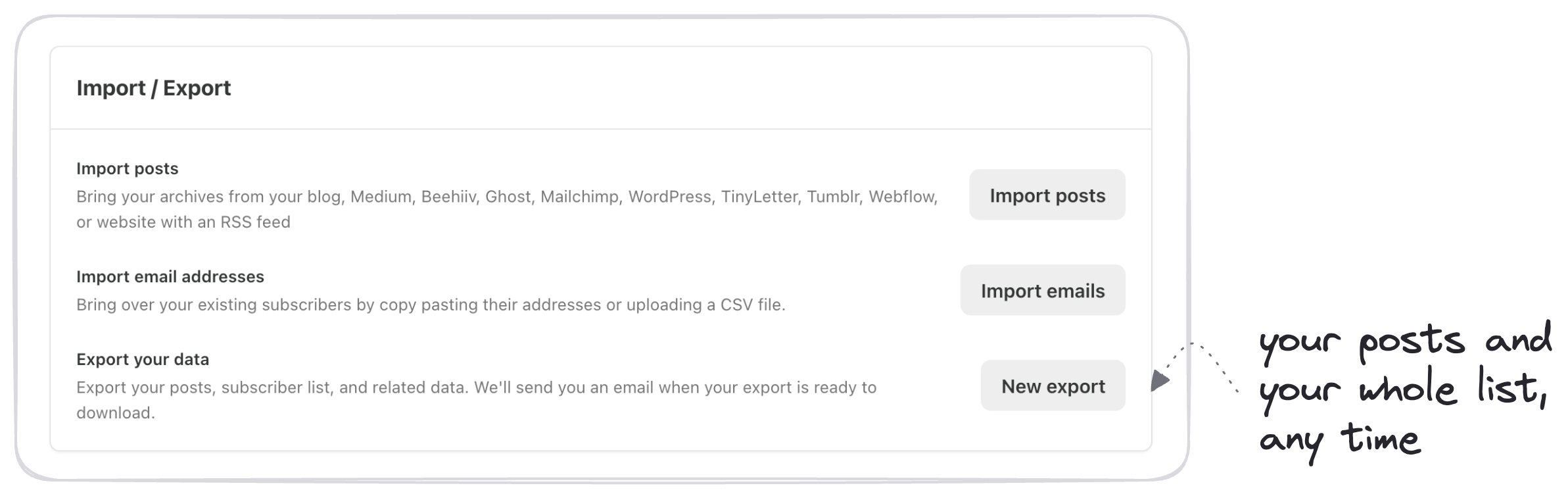
The last step is the one people forget: you keep the list. Substack calls itself "free to start and free to leave," and you can export your posts and your subscriber list whenever you want.
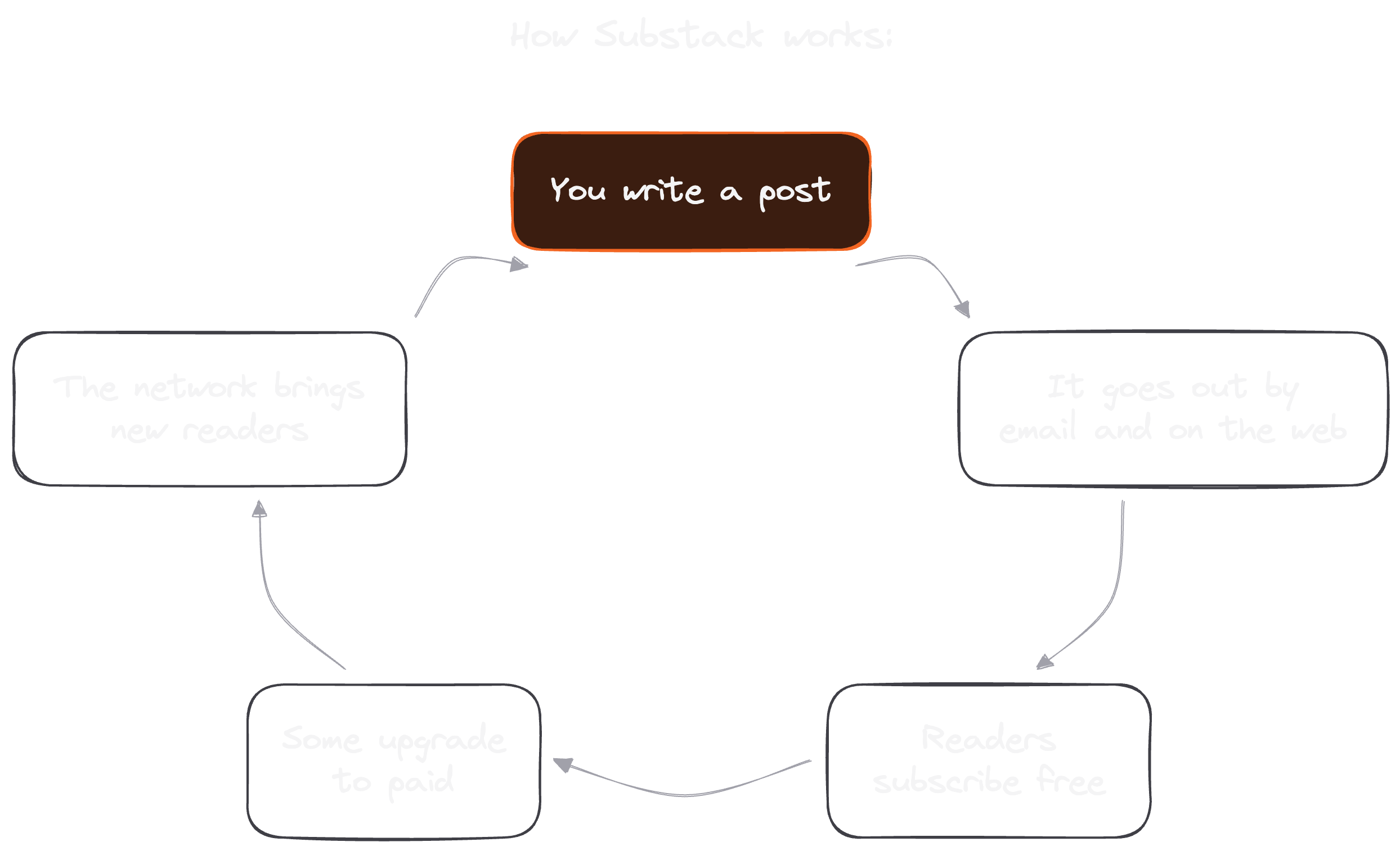
Here's the whole loop:
- You write a post.
- It goes out by email and on the web.
- Readers subscribe free.
- Some of them upgrade to paid.
- The network brings in the next batch of readers.
That's how Substack works.
Question #2: How Do You Start A Substack?
Dickie picked his newsletter platform in January 2020 by Googling "best platform to start a newsletter" and choosing the first result.
"I didn't overthink it," he wrote. You shouldn't either. Starting a Substack takes an afternoon, and the steps below come from Substack's own setup guide plus the naming rules Dickie and I teach.
- Sign up. Click "Start a Substack," enter your email, then add your name and a short bio.
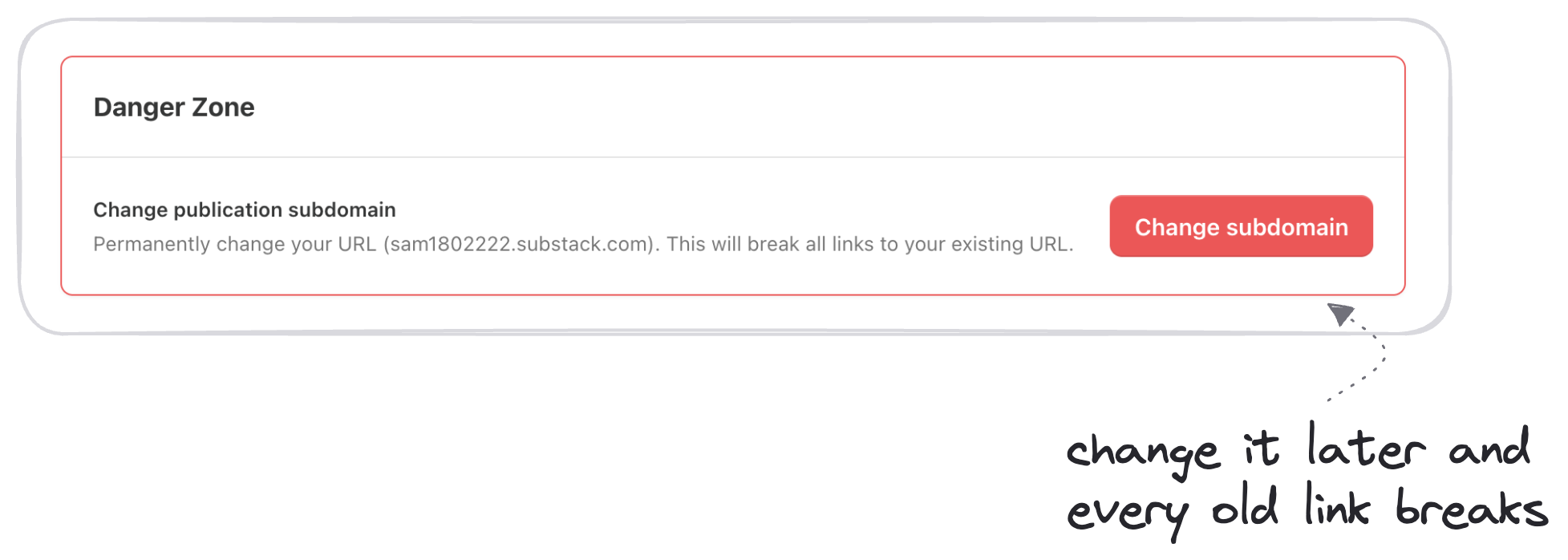
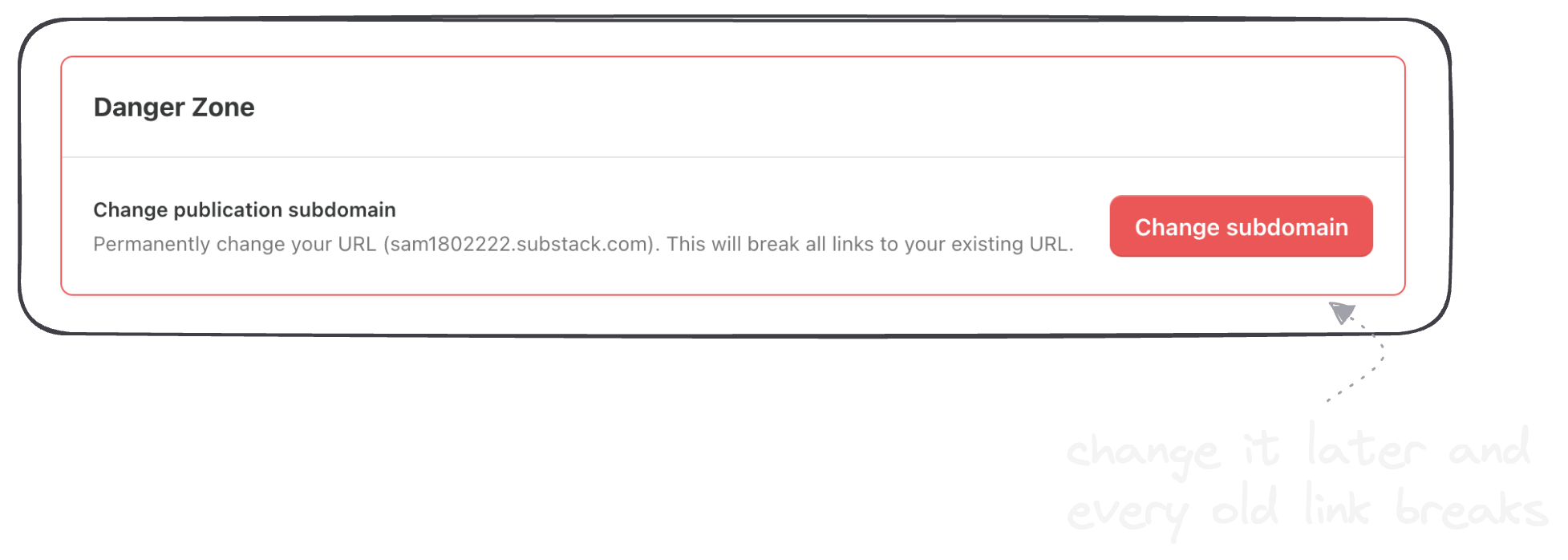
- Pick your subdomain. Substack calls this your "permanent web URL." It becomes yourname.substack.com, so choose a name you'll still like in five years.
- Name your newsletter like a category. Dickie's formula: Main Title = Niche + Topic, and Subtitle = the tangible thing you deliver and who it's for. Write With AI is our example. Readers know what it covers from the name alone.
- Run the setup flow. Substack walks you through importing a mailing list, adding a few subscribers, picking interest categories and recommending writers you follow. You can skip any of it. While you're in the settings, write your welcome email, the automatic message every new subscriber gets.
- Publish a launch post. Click "New Post" and write a short note on what your newsletter covers and who it's for. Then hit "Send to everyone now."
Five steps, and you're live.
The setup is the easy part. Writers stall when they spend weeks comparing platforms and polishing a logo nobody will remember. Dickie found his platform in one search and spent his energy on the writing.
Pick a name, publish the launch post and get to your first real issue.
That's how you start a Substack.
Question #3: How Do You Use Substack As A Writer?
Most people never start a newsletter because they think they have nothing to say.
I hear it every year. Email is dead, newsletters are too crowded, nobody reads anymore. None of that is true. Very few newsletters are specific enough to be worth opening, so a writer who shows up every week stands out.
Here's how to use Substack as a writer, starting with your first issue.
Write your first 10 issues with the 10 Magical Ways. It's a framework I come back to often. There are 10 ways to expand any idea, so your first 10 newsletters are one of each:
- Tips
- Stats
- Steps
- Lessons
- Benefits
- Reasons
- Mistakes
- Examples
- Questions
- Personal stories
Give every issue a number between 3 and 7: "5 tips," "3 mistakes," "7 lessons." A number tells the reader what they're getting. It also tells you when you're done writing.
Which brings me to my favorite rule: nothing is a marriage decision. The order of your issues doesn't matter, because people don't read the internet in sequence. They subscribe to the niche. The moment you publish, you'll spot something to fix, and that's how it's supposed to work. Publish "good enough," then learn and iterate.
Once you have a few issues out, settle into a rhythm. Ours is one free and one paid issue a week. Every time you hit publish, you tap Substack's explore algorithm. Your free issue is the appetizer and your paid issue is the main course.
Consistently. Forever.
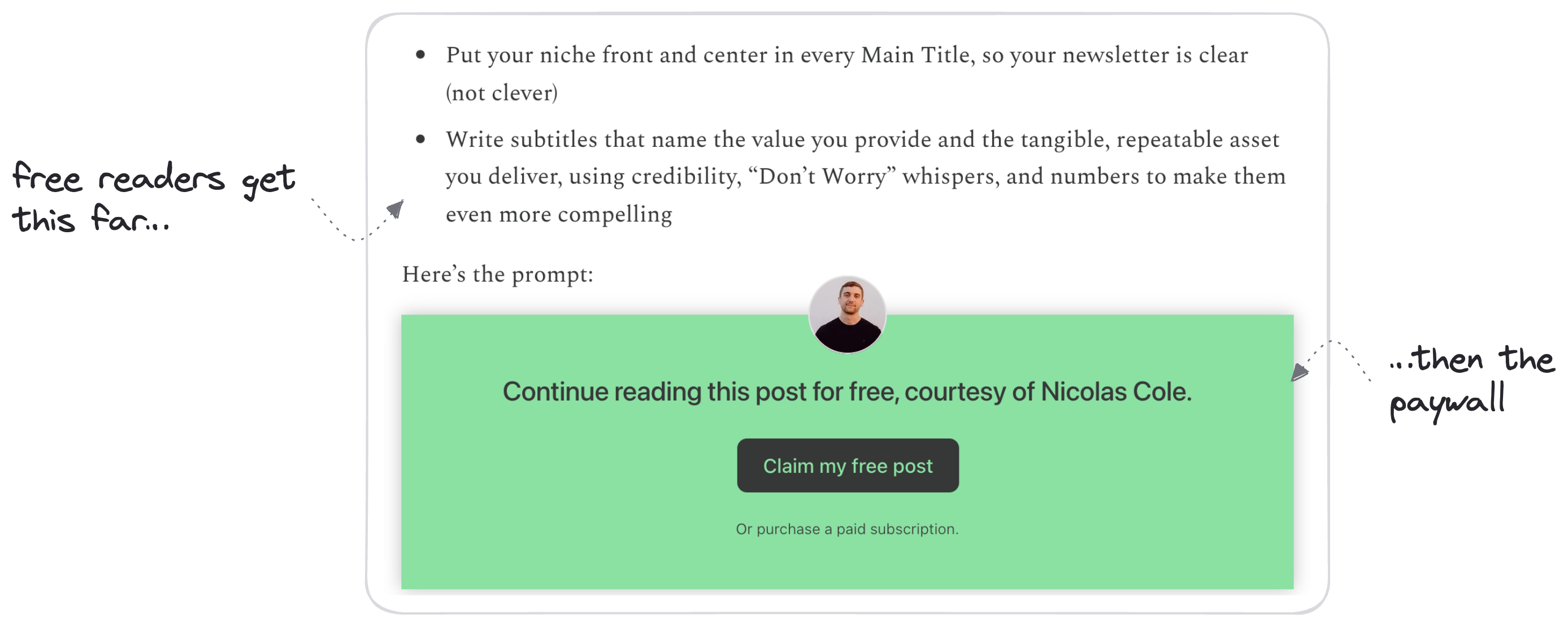
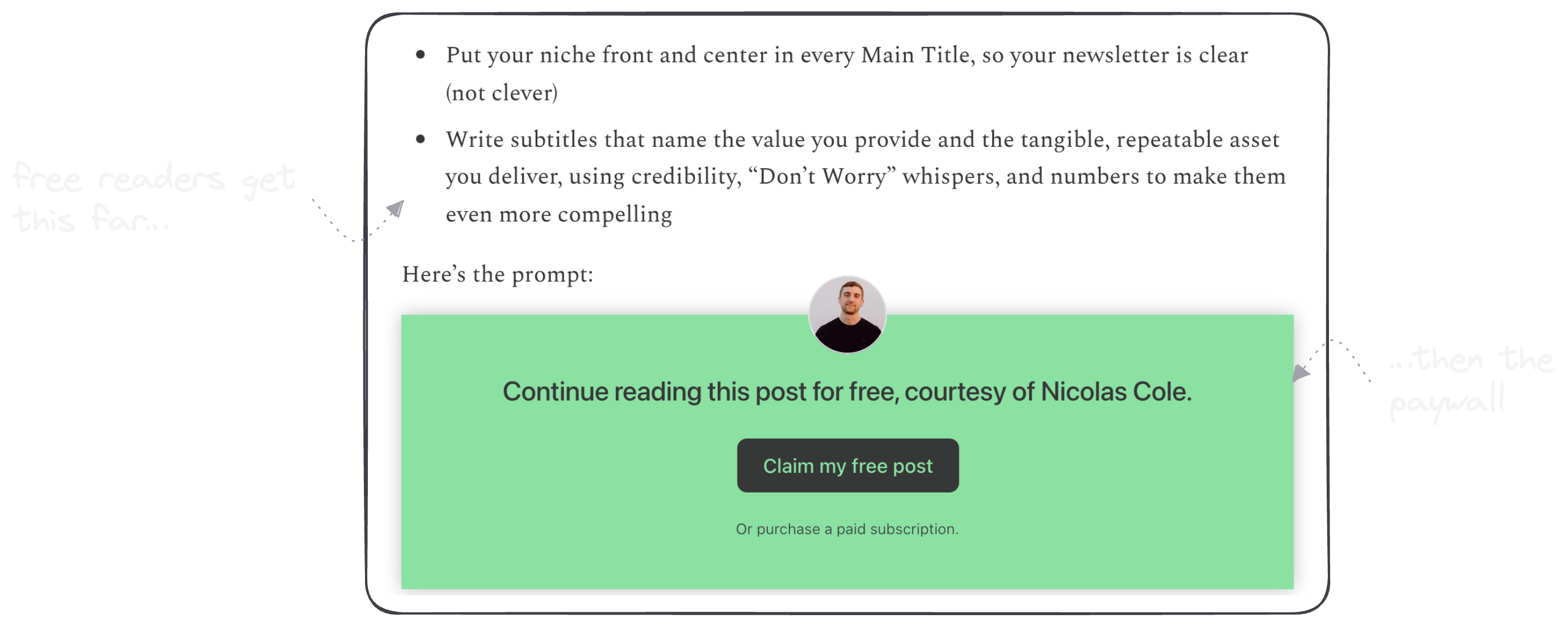
Your paid issues can recruit for you too. Substack lets you choose where the paywall falls in a paid post, so make the first 20% to 50% free and send it to your whole free list. Every free reader sees what they're missing.
And once the writing is done, schedule it. In Typeshare you can write a newsletter in the Long Form editor and publish it to Substack now, schedule it or send it to your Substack drafts. You choose whether it's emailed and whether it's for paid subscribers only.
Ten issues, one weekly habit.
That's how you use Substack as a writer.
Question #4: How Much Is Substack (And A Substack Subscription)?
Here's the best part: Substack costs nothing until you earn something.
There are two prices to understand. One is what Substack charges you, the writer. The other is what a Substack subscription costs your reader.
For the writer, the numbers are short:
- $0 to start. Substack has no upfront costs, no monthly fees and no subscriber limits on the free tier.
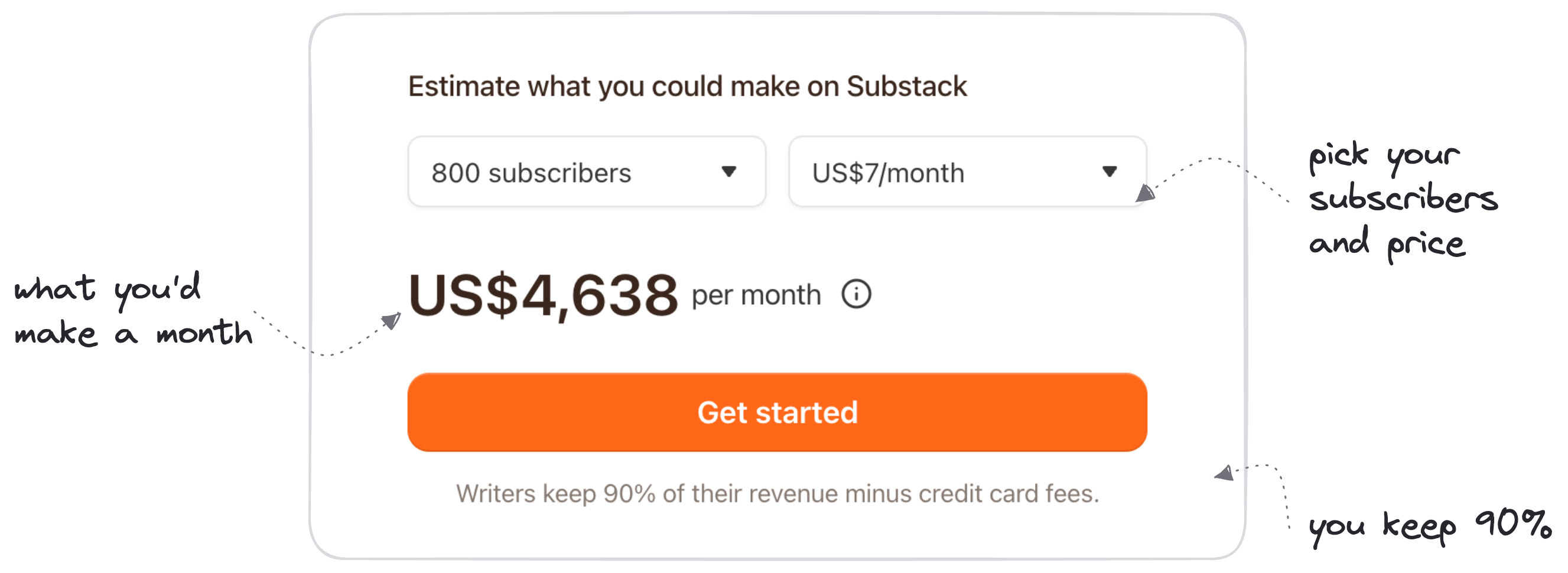
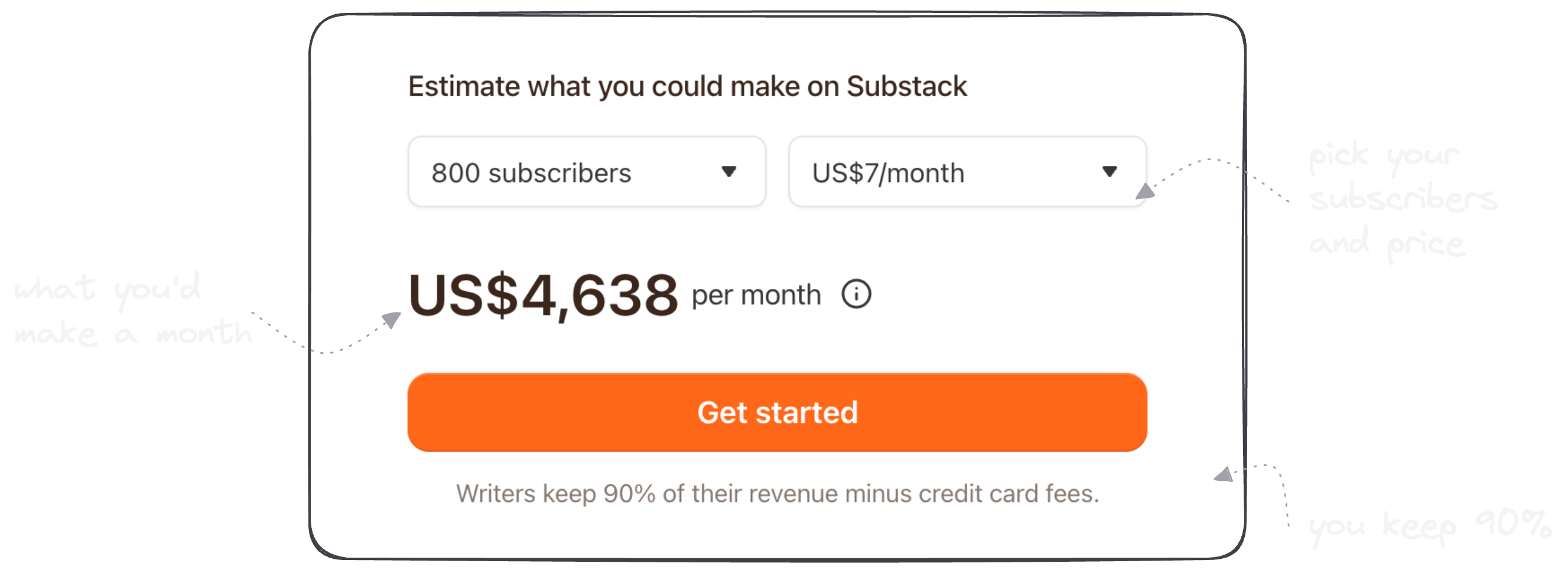
- 10% of paid revenue. Once you turn on paid subscriptions, writers keep 90% of their revenue, minus card fees. Substack's share is the other 10%.
- Card fees on top. Stripe charges its own processing fee on each payment: 2.9% + $0.30 per US card, plus 0.7% for Stripe Billing.
- App purchases cost more. When a reader subscribes inside the iOS app, Apple takes its own fee as well.
Dickie weighed it up in his own software breakdown. Substack is free for free newsletters, and 10% "is a little bit steep as we continue to grow but the network effects outweigh the costs."
For the reader, a Substack subscription costs whatever the writer sets. Plenty of newsletters are free. Paid ones charge monthly or yearly, and Substack's earnings calculator offers price points from $5 to $75 a month. The lowest Substack allows is $5 a month or $30 a year.
So how much should you charge?
Our answer was a few tiers. Write With AI has its regular paid subscription plus a $350 Founding Member tier that gets every product we make, past and future. Every 3 months we release a new course, guide or template. One of those drops made $90,000. Our welcome email offers new subscribers a $49 product on day one.
You can set all of that up later. On day one, you only need to know your two prices.
That's how much Substack costs.
Question #5: How Do Substack Notes Grow Your Newsletter?
Most writers on Substack are sleeping on Notes.
Notes is Substack's short-form feed. Substack calls it "a new space where writers can publish short-form posts and share ideas with each other and their readers." Think of it as X, but on Substack, with a Subscribe button attached to every post.
Here's why Notes grow a newsletter.
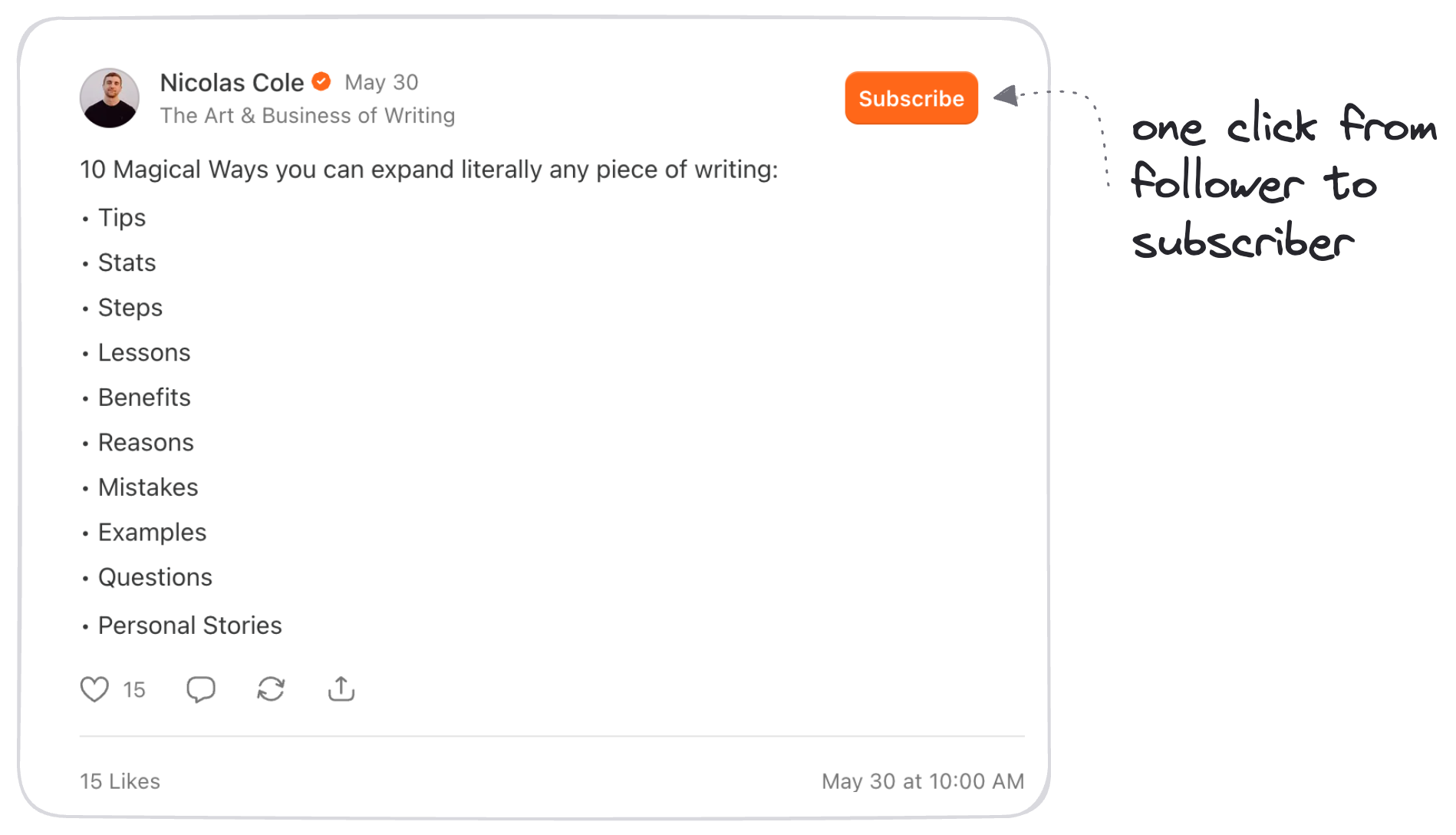
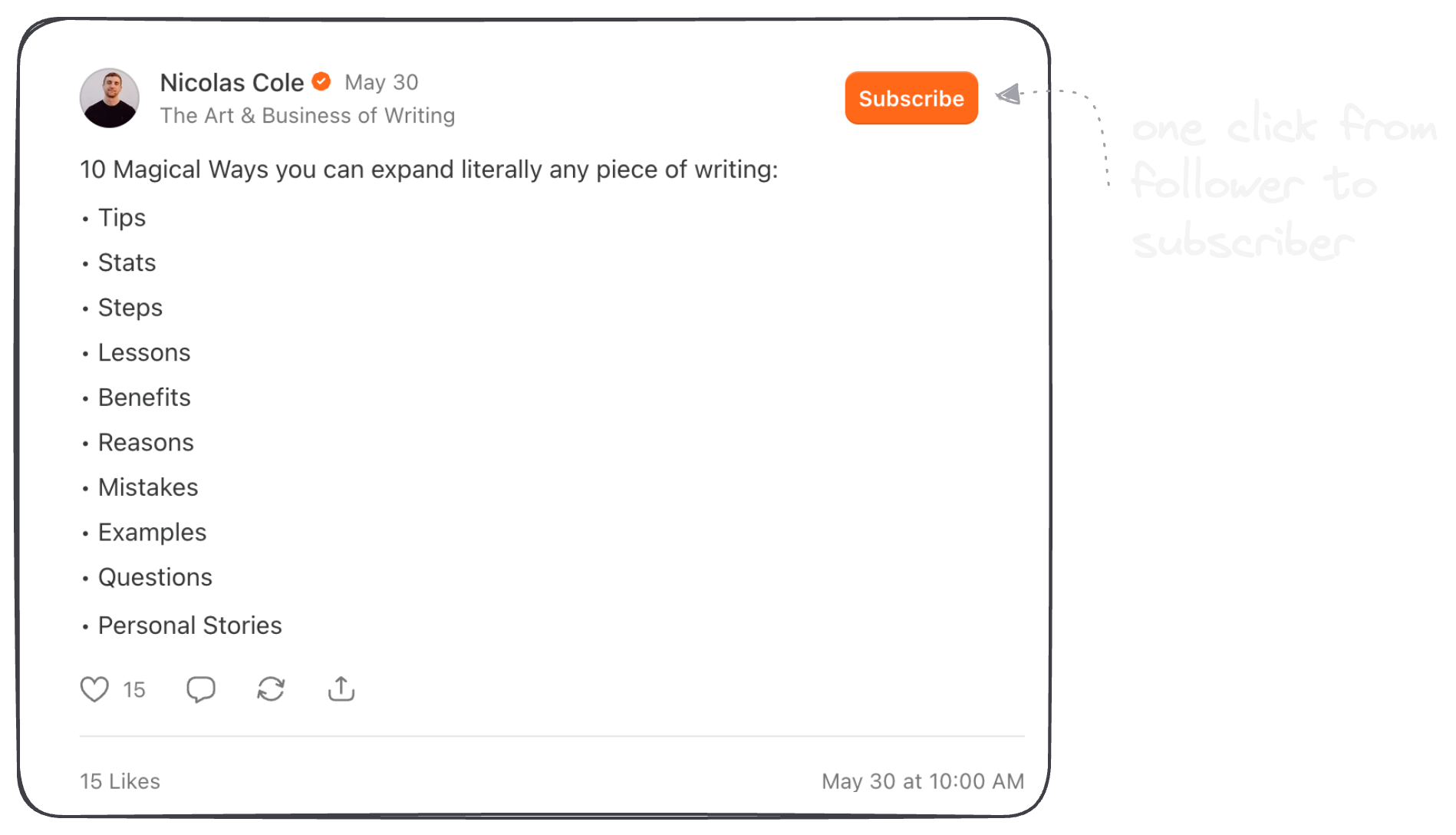
The first benefit is that a follower sits one click from becoming a subscriber. Readers can subscribe "in just one click" next to your name on any Note. When someone hovers over your name, the Subscribe button is the one that stands out. Imagine if every person who followed you on LinkedIn joined your email list.
That's Notes.
The second benefit is quieter: Notes never flood anyone's inbox. "Readers are never notified via email when you post a new note." You can post several times a day, and your list only hears from you when you send an issue.
Third, you can reuse what you already write. We take my short posts from X and republish them as Notes, 2 to 4 times a day. It's an easy double dip.
Fourth, the right formats bring subscribers. These are the Note formats that work for us:
- Listicles with a specific takeaway
- Contrarian takes that stop the scroll
- Behind-the-scenes breakdowns with real numbers
Skip motivational quotes and vague musings. They earn likes, and likes don't open emails.
The last benefit is that Notes can run on a schedule. Posting several a day by hand gets old fast. In Typeshare you pick a Beginner, Pro or Expert queue, and each Note you add takes the next open slot. On the All-Access plan, the Substack Agent writes Notes from your own newsletters, and in Pilot mode nothing goes out until you approve it.
Write the issue once a week. Let Notes carry it every day.
That's how Substack Notes grow your newsletter.
Question #6: Is Substack Safe (And Is It Worth It)?
"I'm done."
That's what Dickie told himself in August 2020. He was 8 months into his weekly newsletter, 40 editions deep, with fewer than 200 subscribers. He kept going, and a few weeks later it clicked. So whether Substack is safe and worth it comes down to four questions you answer for yourself.
First, can you leave with your readers? Yes. Substack says you can export your posts and your subscriber list at any time. If you ever move, the list moves with you.
Second, who handles the money? Stripe processes card payments, and Apple processes in-app ones. Here's my one caveat: margin gets cut by 50%+ for writers who get paying subscribers through in-app purchases. Send readers to subscribe on the web where you can.
Third, will you keep writing when nobody's reading? This is the question that decides it. Six months in, Dickie had 137 subscribers after 26 editions, or about 5 subscribers per newsletter. His reframe works for anyone starting out. You get to practice in an empty gym, because no one reads your first 20 newsletters.
That's your advantage.
Fourth, is now the time? I emailed Substack's founders in 2019 because I'd seen this before. Quora had its window. Medium had its window. Substack's window is open now, and the writers who start this year get to ride it.
If your answers are yes, yes, yes and now, start your Substack this week.
Substack is safe. Whether it's worth it comes down to question three.
FAQ
What's a Substack?
A Substack is a newsletter published on Substack. Each post goes out by email and lives on the web, and the writer can make some or all of it paid.
How much is a Substack subscription?
Whatever the writer sets. Many newsletters are free. Paid ones bill monthly or yearly, and Substack's own calculator offers price points from $5 to $75 a month.
Is Substack free?
Yes, for writers. Starting and sending a free newsletter costs nothing. If you charge, Substack keeps 10% of paid revenue, plus card fees.
Can you schedule Substack Notes and newsletters?
Yes. Typeshare publishes and schedules both. See how to schedule Substack Notes.