How To Quote Tweet On X: The Steps On Desktop And Mobile, Plus 5 Formats That Borrow A Viral Post's Reach
Dickie BushNovember 18, 2026
How to quote tweet on X in four taps on desktop or mobile, plus 5 quote tweet formats that put your take in front of a viral post's readers.
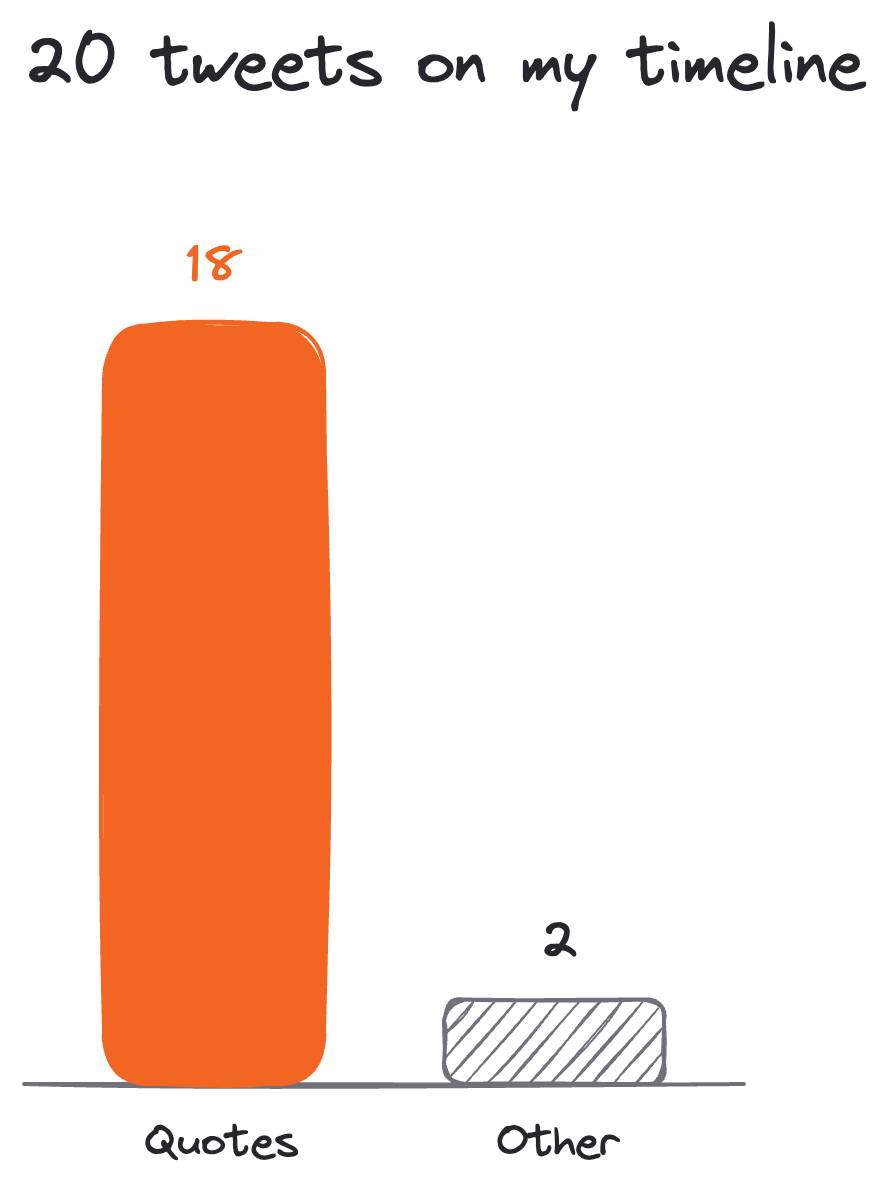
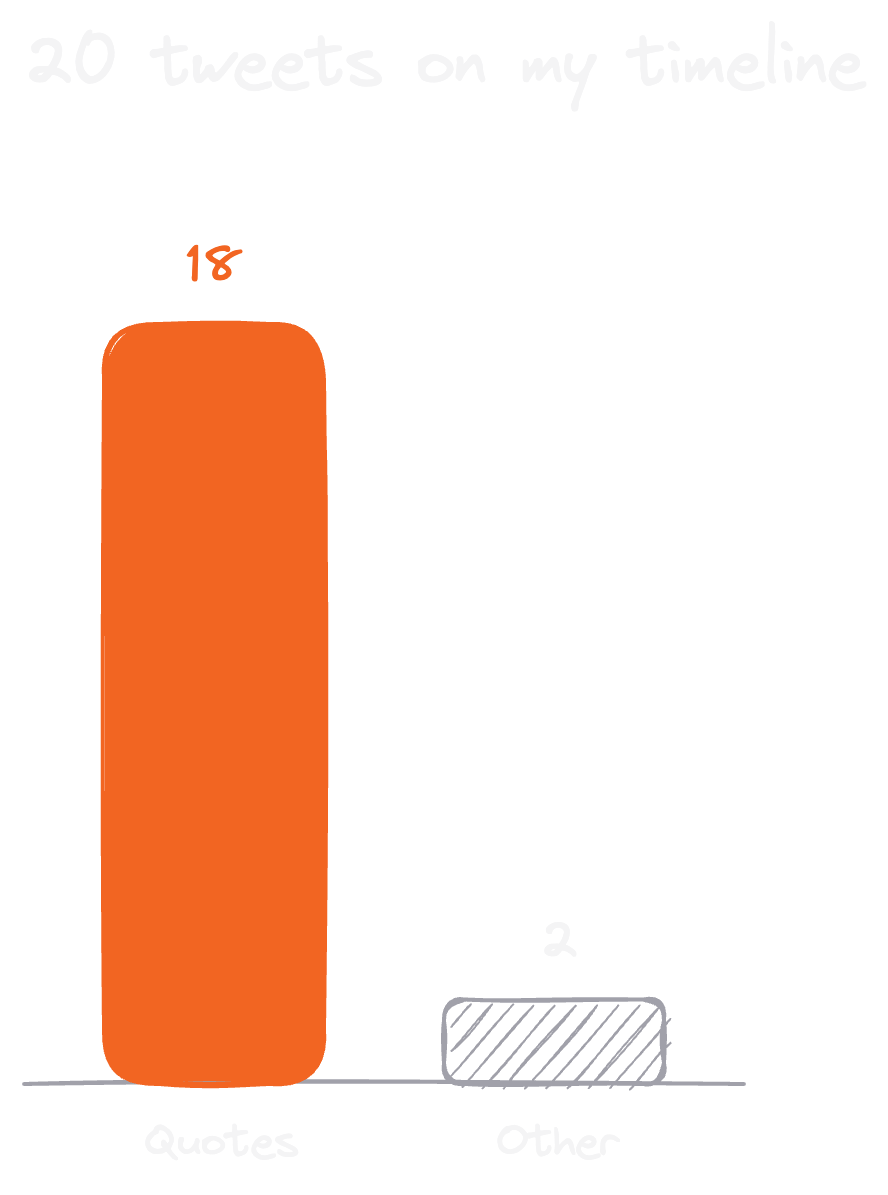
I read 20 tweets on my timeline one evening and counted 18 quote tweets.
That's 90% of my feed made of people stacking their own take on top of someone else's post. And it lines up with what I see on my own account. When I quote a post, that quote tweet is way more likely to end up on your timeline than the original tweet I wrote. Quote tweets are the cheapest reach left on X.
So it's worth learning to do them well.
How do I know they work? In 2021 and 2022 I went from 3,000 to 250,000 followers on X, and today I have over 438,000. Quote tweets are now a fixed part of my weekly cadence, right next to my tweets and my X Articles.
Below you'll find how to quote tweet on desktop and in the X app, how a quote differs from a repost and a reply, and 5 quote tweet formats you can use today. Every one of them starts with a strong first line, so keep how to write a hook and these 100 hook examples open in another tab. When you want to queue your quote tweets for the week, Typeshare schedules them for X.
What Is A Quote Tweet?
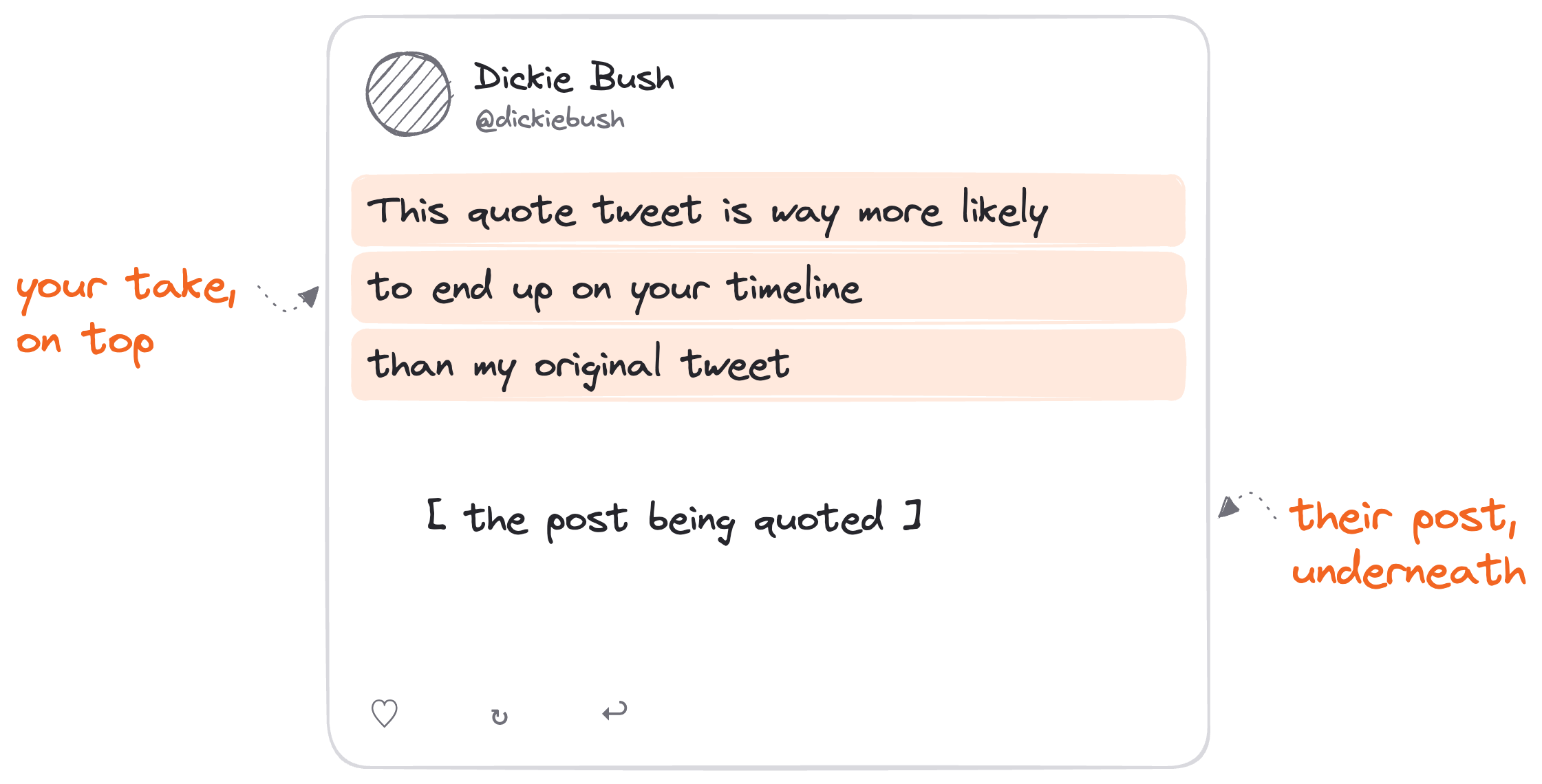
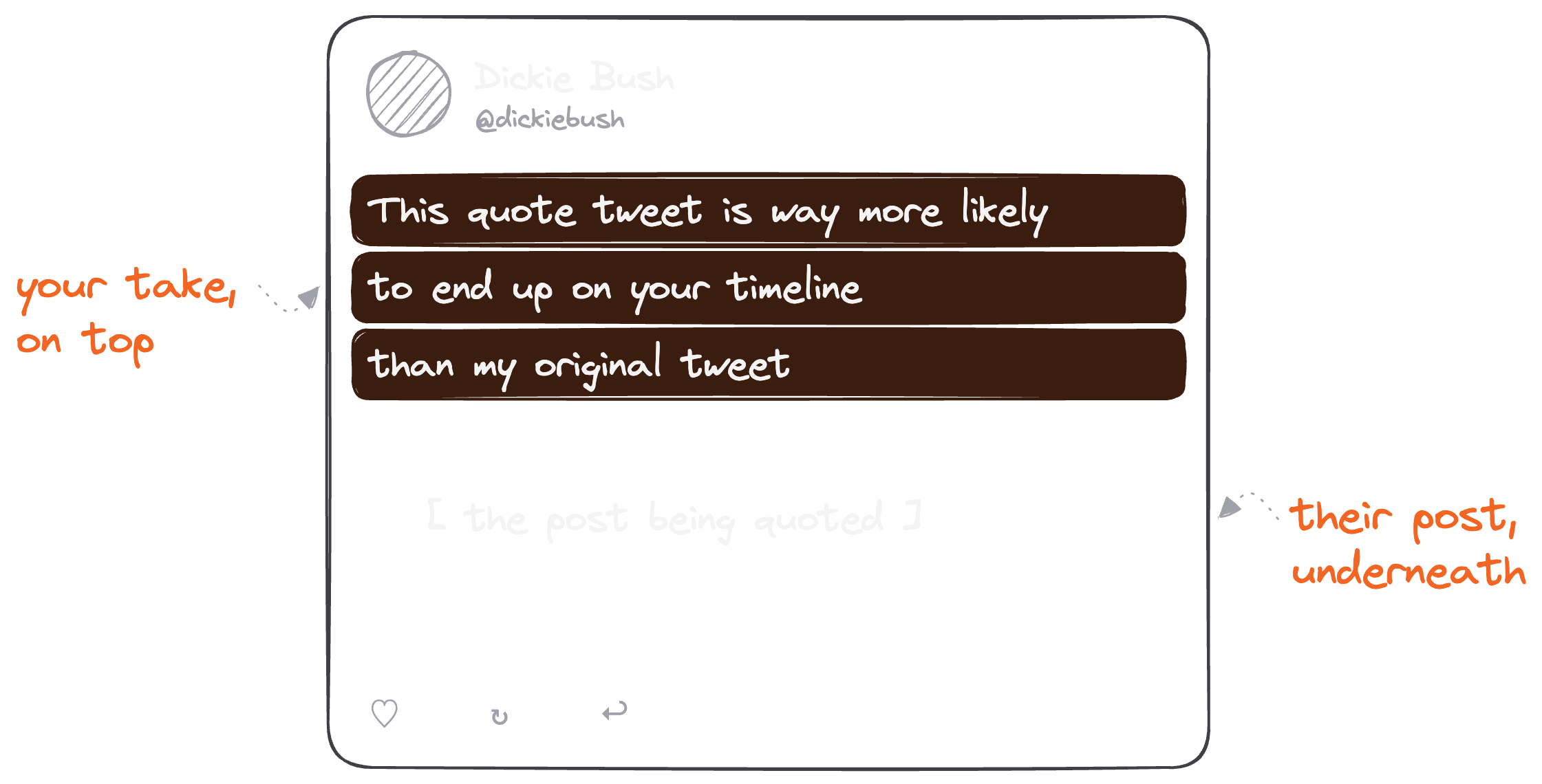
A quote tweet is your post with someone else's post attached underneath it.
X now calls it a quote post, but almost everyone still says quote tweet. Your words sit on top. Their post sits below in a small box, with their name, their text and any image they used. Readers can tap the box to open the original and see the whole conversation around it.
Here's the part most people miss.
A quote tweet counts as a new post on your account. It shows up on your profile, it goes out to your followers, and the algorithm ranks it like anything else you publish. The person you quoted gets a notification, and your quote shows up in the list of quotes under their post. Your take rides along with their post wherever it travels.
Under the original post, X also keeps a count of its quotes next to its reposts and likes. Every quote tweet you write adds one to that count, and anyone curious about the conversation can open the list and find yours.
That's why a quote tweet works on two audiences at once: yours, and theirs.
How To Quote Tweet On Desktop
On a computer, quoting a tweet takes four clicks.
Open X in your browser and find the post you want to quote, in your feed, on someone's profile, or on the post's own page. Under every post you'll see a row of icons: reply, repost, like, views, bookmark and share. The repost icon is the one with two arrows chasing each other.
- Click the repost icon (the two arrows) under the post.
- Click Quote in the small menu that opens. Repost shares the post as is; Quote opens the composer.
- Write your take in the box above the quoted post. You can add an image, a GIF or a poll, the same as any post.
- Click Post.
That's it. Your quote tweet is live, and the person you quoted gets a notification.
There's also a second way, which comes in handy when the post isn't on your screen. Click the share icon under the post, pick Copy link, then paste that link on its own line in a new post. X turns a pasted post link into the same quote box. This is also how you quote a post from a scheduling tool, which we'll get to below.
How to quote tweet on desktop: repost icon, Quote, your take, Post.


How To Quote A Tweet On Mobile
In the X app, the steps are almost the same, only with taps.
It works on iPhone and Android alike. Find the post in your feed and look at the row of icons under it. The two-arrow repost icon sits second from the left, between reply and like.
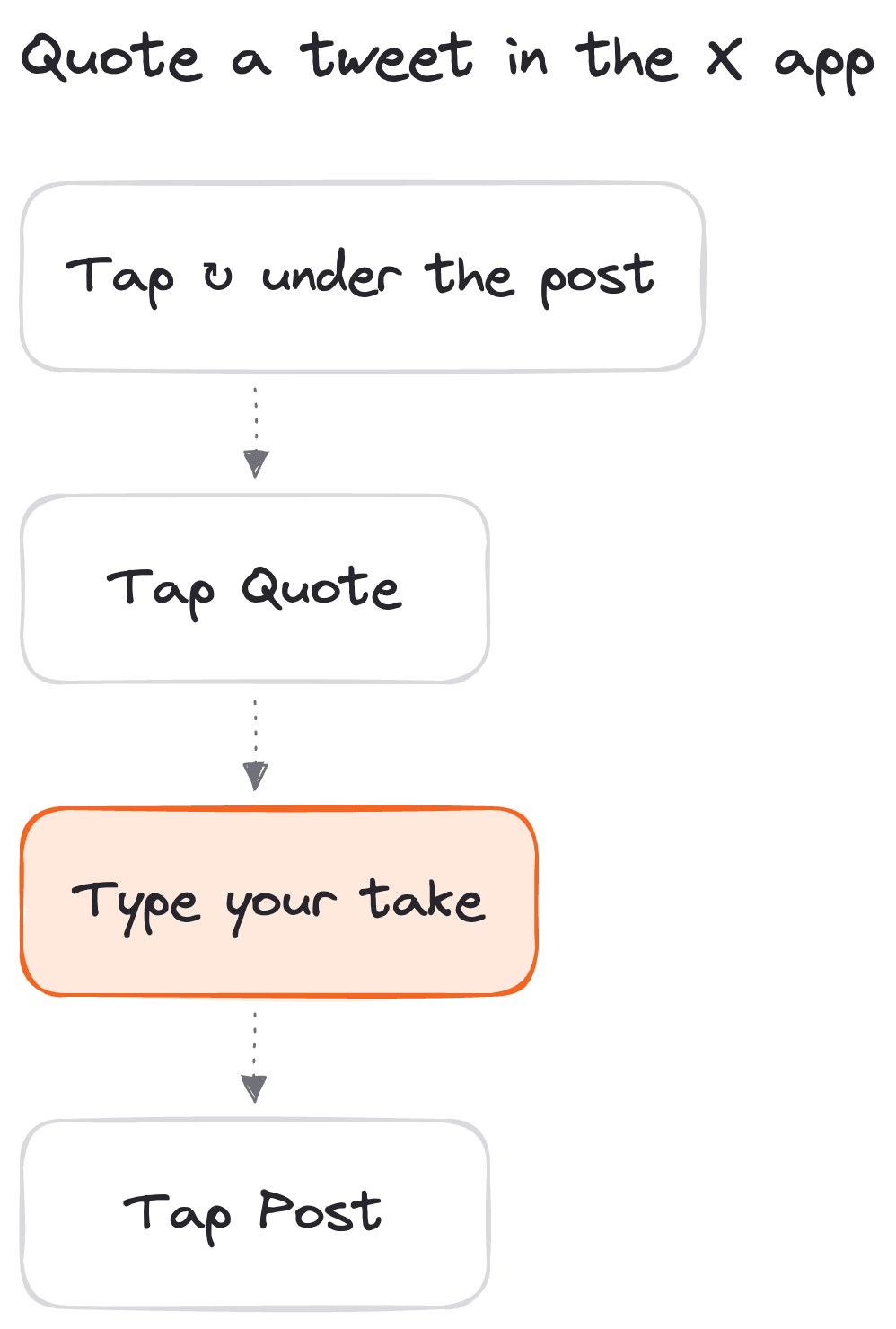
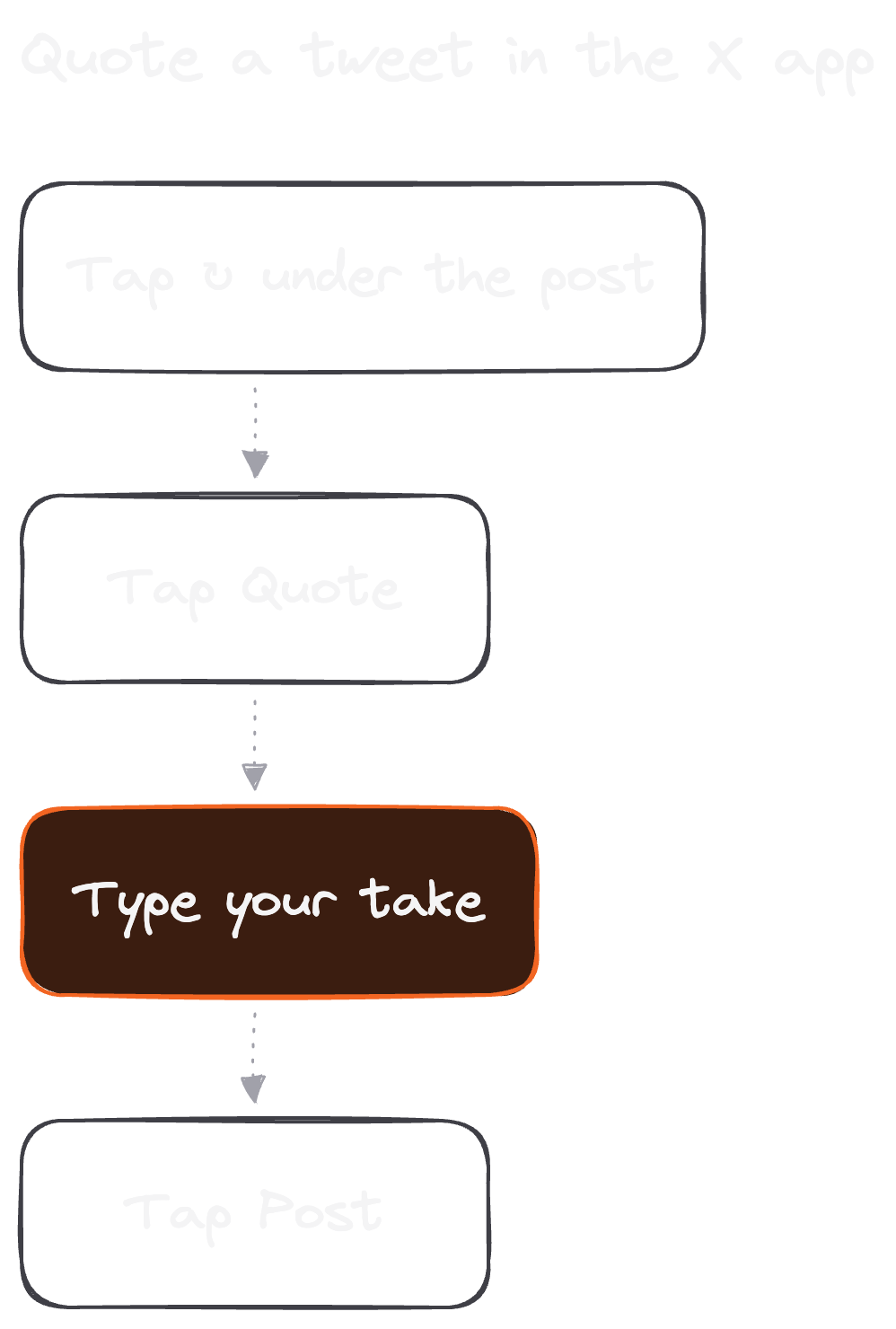
- Tap the repost icon under the post.
- Tap Quote in the menu that slides up from the bottom.
- Type your take above the quoted post. Tap the image icon to add a photo or a screenshot.
- Tap Post in the top-right corner.
On a phone, the copy-link trick works too. Tap the share icon, tap Copy link, then paste the link into a new post.
One habit I'd build early: write your take in your notes app first. The X composer is small, and a quote tweet lives or dies on its first line, so draft it where you can see the whole thing.
That's how to quote a tweet on mobile, in four taps.
Quote Tweet vs. Repost vs. Reply
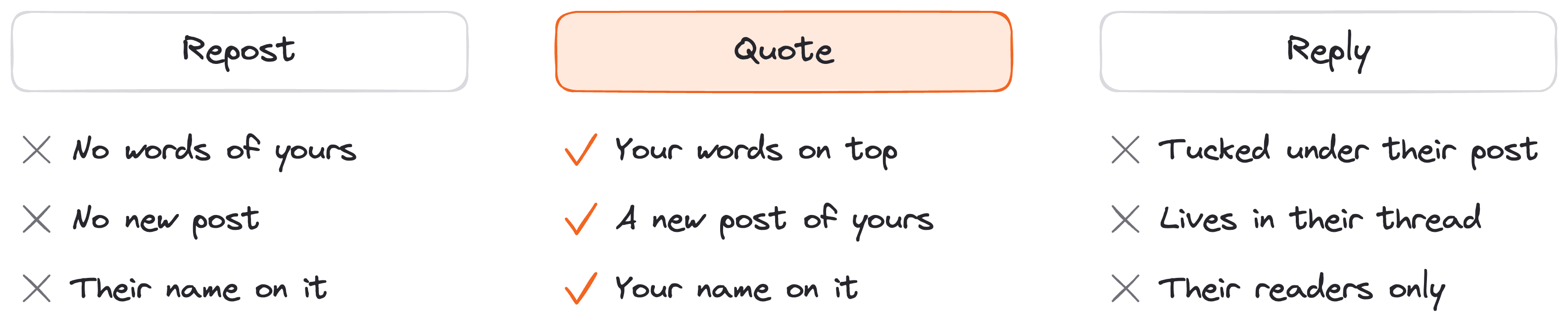
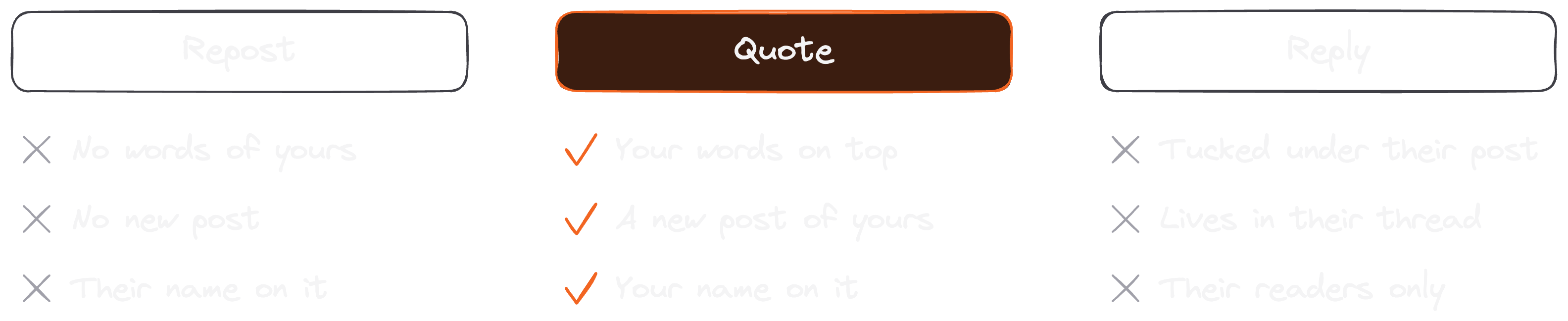
All three start from the same post, and they do very different jobs.
A repost shares someone's post with your followers exactly as it is. You add nothing, and it shows under their name. It's a nod to them and does nothing for your account.
A reply goes underneath their post, in their thread. The people who see it are mostly the people already reading that post. A sharp reply on a big account can win you followers, but it lives on their turf.
A quote tweet is the only one of the three that's a new post of yours. It carries your words and your name to your followers. And because it's attached to a post that's already moving, it can also reach readers who have never heard of you.
So here's how I pick:
- Repost when the post says everything you'd say, and you only want your followers to see it.
- Reply when you have something to add to that one conversation.
- Quote when you have a take good enough to stand on its own.
If you have a real take, quote the tweet.
Why Quote Tweets Reach More People
A quote tweet borrows the reach of the post it quotes.
That's how I describe it in our own content cadence: "Quote tweets of viral tweets borrow the underlying tweet's distribution." It seems X wants more conversation on the platform, so it rewards posts that build on other posts. The same notes found that posting an X Article, quoting your own Article, or quoting someone else's Article also gets outsized distribution.
You can see it in your own feed. Count the next 20 posts on your timeline and see how many are quote tweets. When I did it, the answer was 18.
So I built quote tweets into my week on purpose:
- 5-7 quote tweets of things going viral, unscheduled. My team and I post these whenever we come across one.
- 1 quote tweet with a new perspective a day. In my current X cadence, these get the second-most distribution after Articles, and they let you stand out with an honest take.
- Several quote tweets of my own X Article every week. I publish one Article a week and quote it a few times after it goes out to keep it in front of people.
None of this needs a big account.
Quote a post that millions of people are reading, and your take goes along for the ride. You're borrowing an audience that's already paying attention.
5 Quote Tweet Formats That Borrow A Viral Post's Reach
Knowing how to quote tweet is the easy part; knowing what to write is the skill.
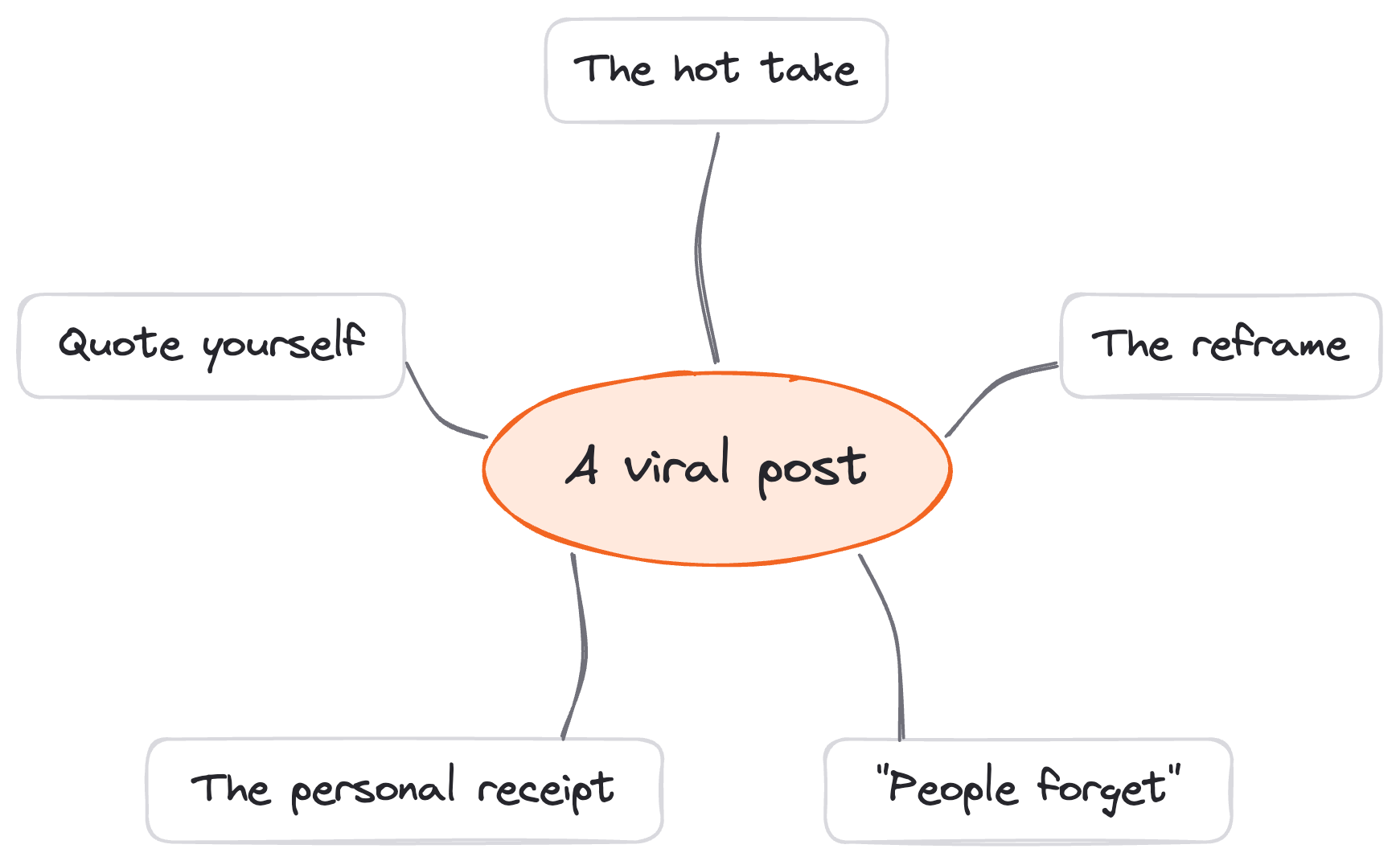
Our Write With AI newsletter calls this skyscrapering on top of someone else's viral post: "quote-tweet it with a hot take, a reframe, a 'people forget' callback, or a personal receipt that pushes their point further." Those are the first four formats below. The fifth is the one I use every week on my own long-form.
Each format comes with a fill-in-the-blanks template. Swap the brackets for your topic and your real numbers.
Format #1: The Hot Take
Pick a side the post didn't take, and say it plainly.
Hot takes work because people love to agree or argue, and both show up as replies. Keep it to your topic, and keep it something you'd defend in a reply thread.
Unpopular opinion: [the common advice in the post] is why most [your audience] never [the result they want].
Do [the opposite thing] for 30 days and watch what happens.
Format #2: The Reframe
Take the post's point and show it from an angle nobody in the replies is using.
Everyone's reading this as a post about [the obvious topic].
It's a post about [your topic].
[One sentence on what it teaches your audience.]
Format #3: The "People Forget" Callback
Remind readers of the history behind the post: what came before, or who did it first.
People forget [the thing everyone is excited about] already happened in [year or place].
Here's what we learned the first time: [the lesson].
Format #4: The Personal Receipt
Back the post up with proof from your own life: a number, a result, a story.
This is the most underrated of the five. Your receipt makes the original post more believable, and it shows readers you've done the thing.
This is true. I [did the thing in the post] for [time period].
Result: [your real number].
The part nobody mentions: [the hard part].
Format #5: Quote Yourself
Quote your own best work, especially your X Article, a few times after it goes out.
Each quote gives the Article a fresh push into the feed. Pull one idea from the piece, write it as a standalone post, and quote the Article under it.
[One idea from your Article, written as a tweet.]
I broke down the whole process here: ↓
You can write these quote posts before the Article is even out, and schedule them for after it goes live (more on that below).
Pick one format and post one quote tweet a day.
How To Schedule Quote Tweets
Most people post a quote tweet the moment they find the post.
That's fine for a reactive take. It falls apart when you want to plan a week, like quote tweets of your own Article spread over three days. This is where a scheduler earns its place.
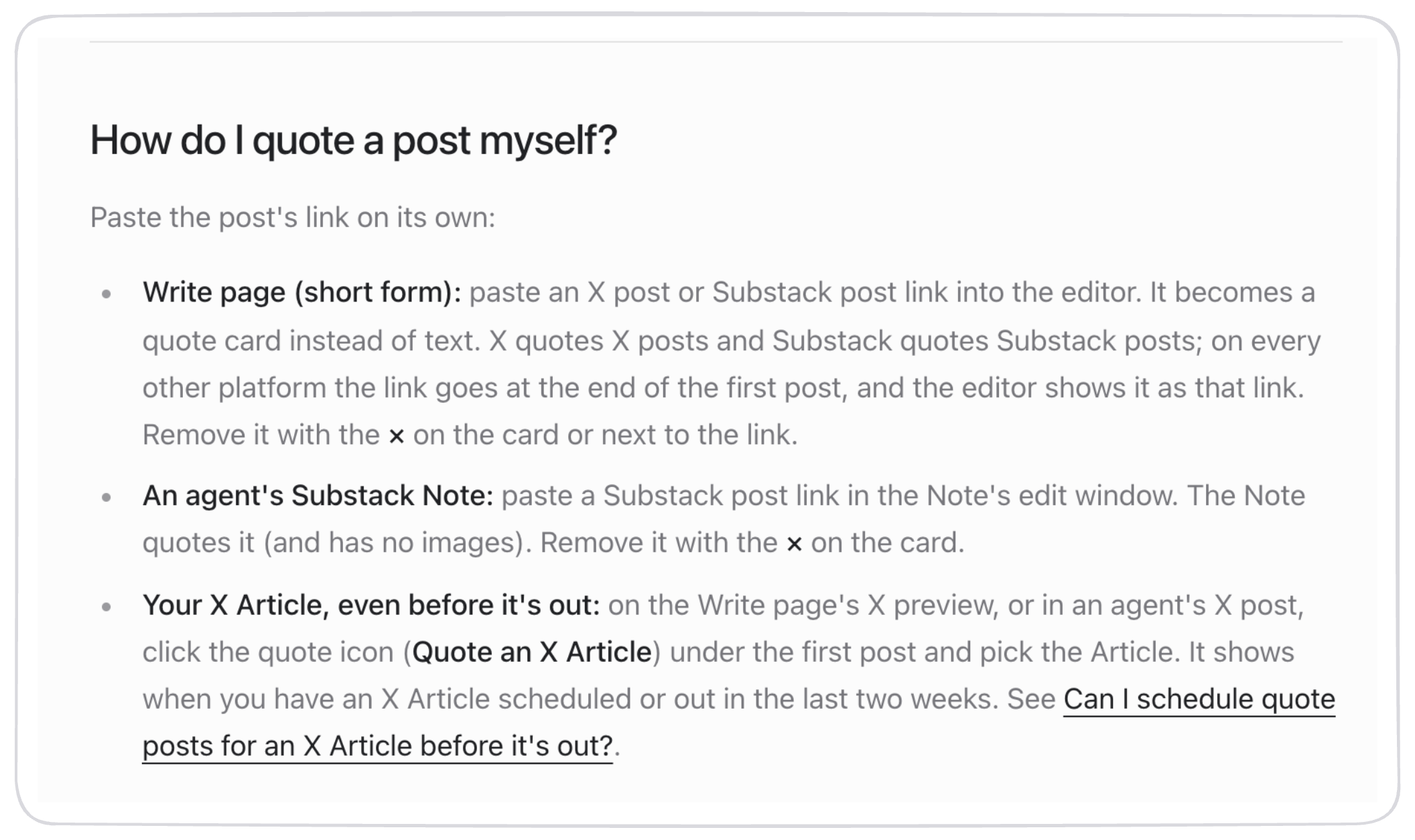
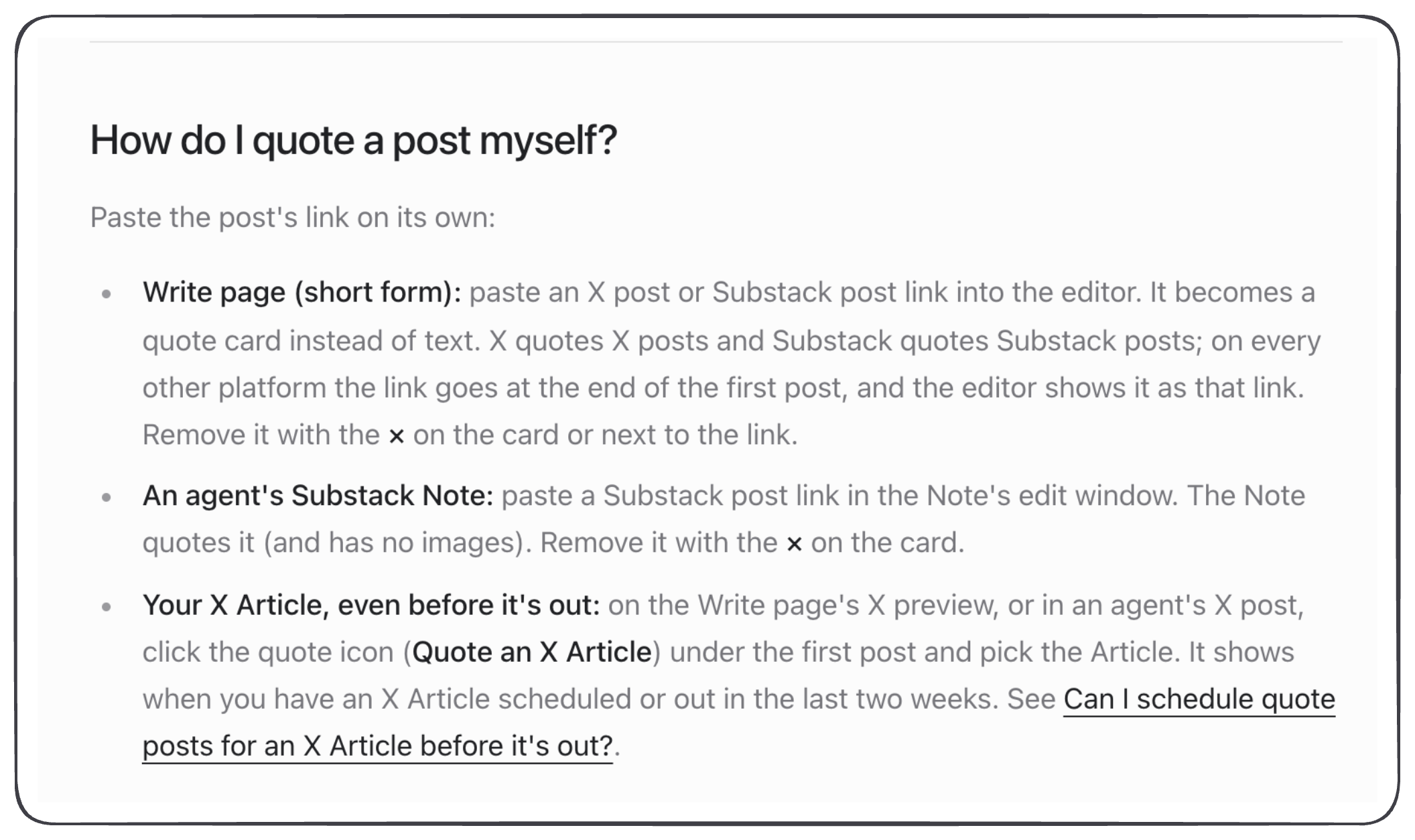
In Typeshare, you quote a post by pasting its link on its own in the short-form editor on the Write page. The link turns into a quote card under your words, the same box readers will see on X. Then you post it now, add it to your X queue, or pick a time.
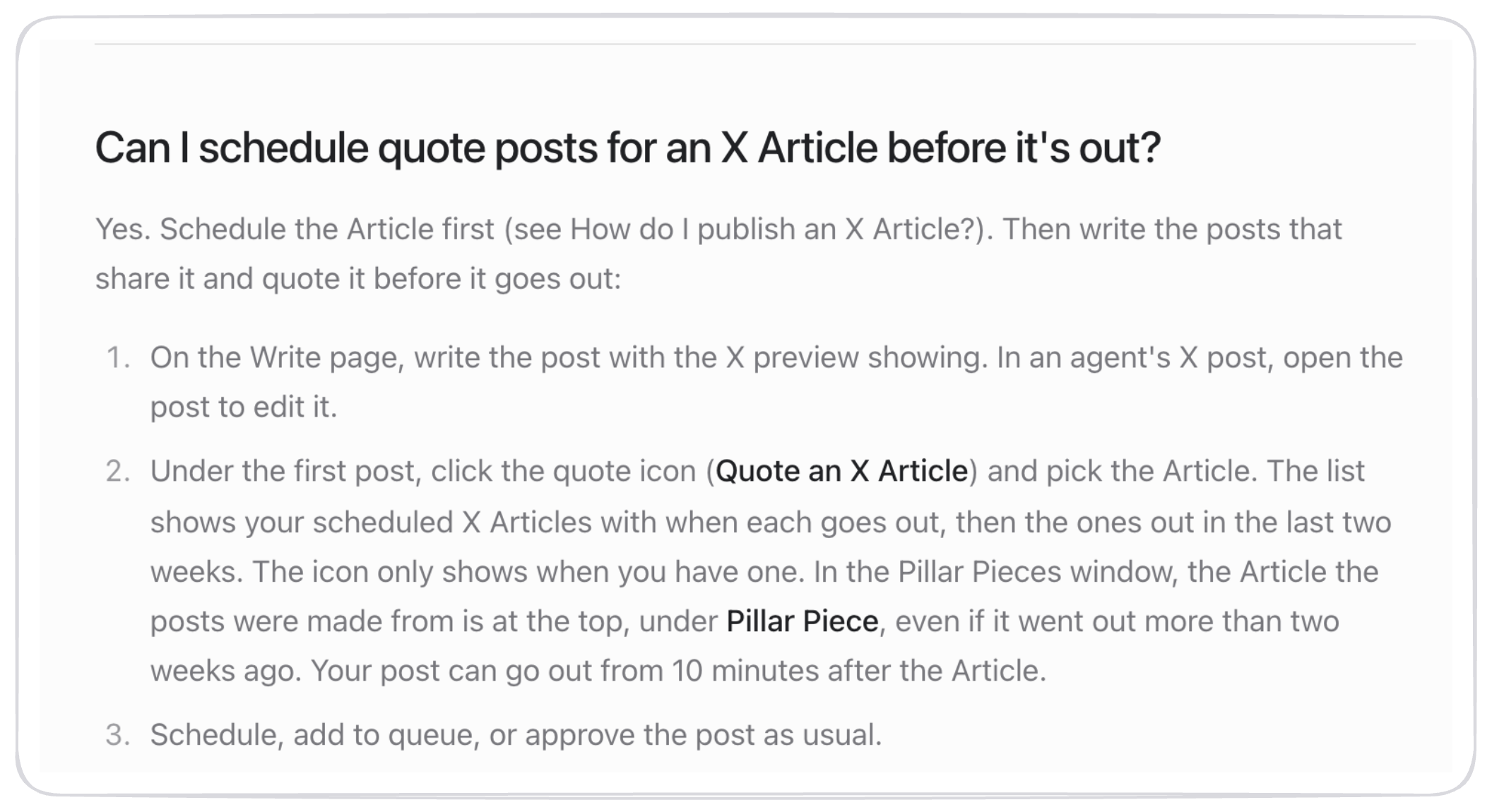
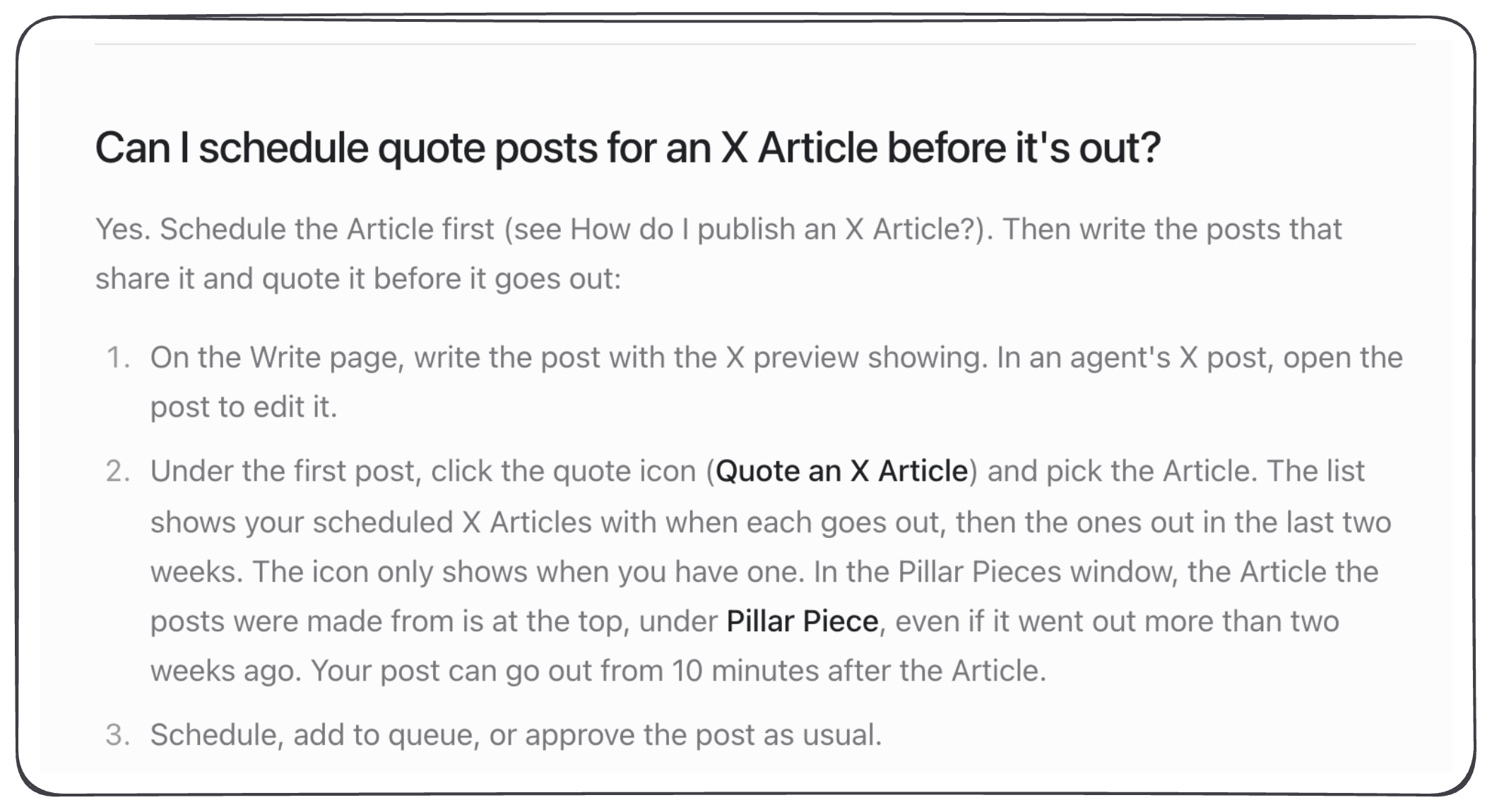
For your own X Article, you don't even need the link. Typeshare can schedule quote posts for an X Article before it's out: click the quote icon (Quote an X Article) under the first post and pick the Article from the list. The quote post can go out from 10 minutes after the Article, so the Article is always live first.
You can also hand it off. Ask the X Agent "Write three quote posts for my Article on habits" and it schedules them after the Article goes out. You do the writing; the robots do the rest.
Schedule the quote tweets you planned, and keep the spontaneous ones spontaneous.
3 Quote Tweet Mistakes To Avoid
Most quote tweets that flop make one of three mistakes.
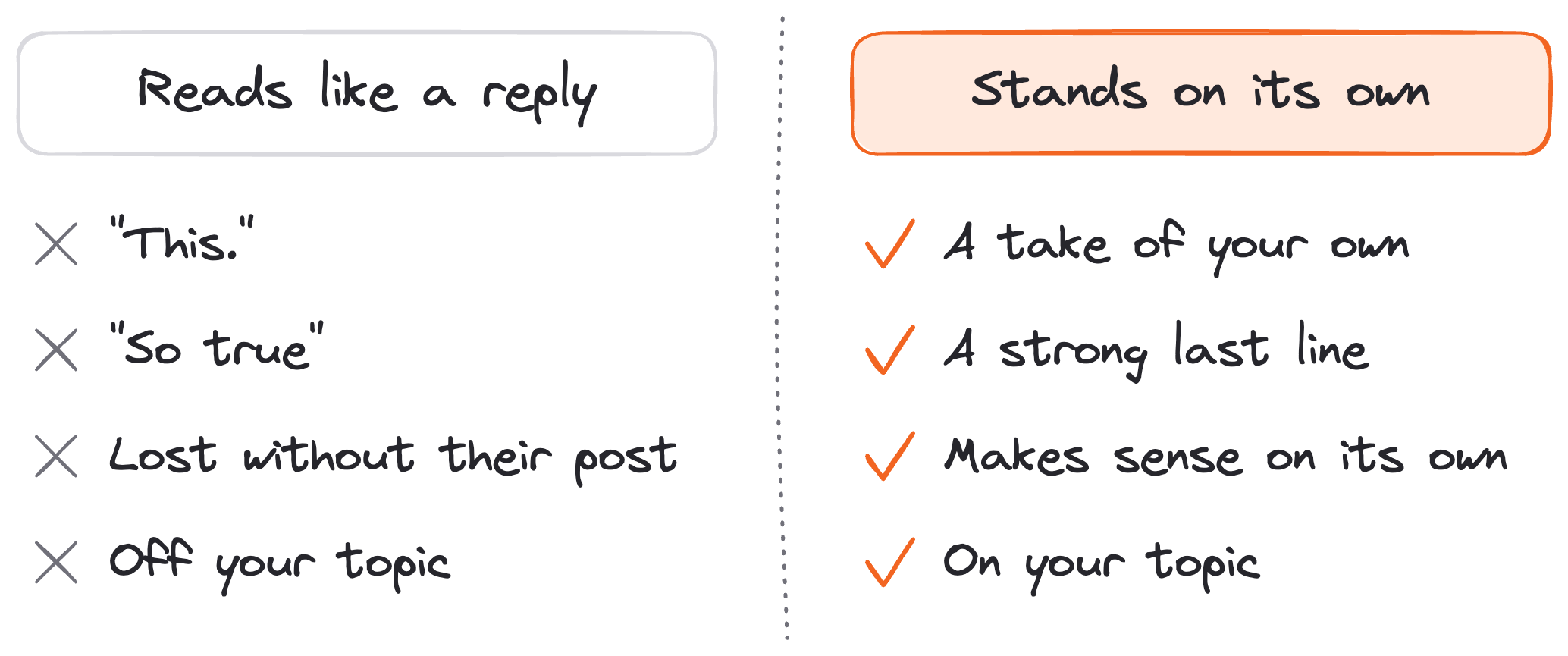
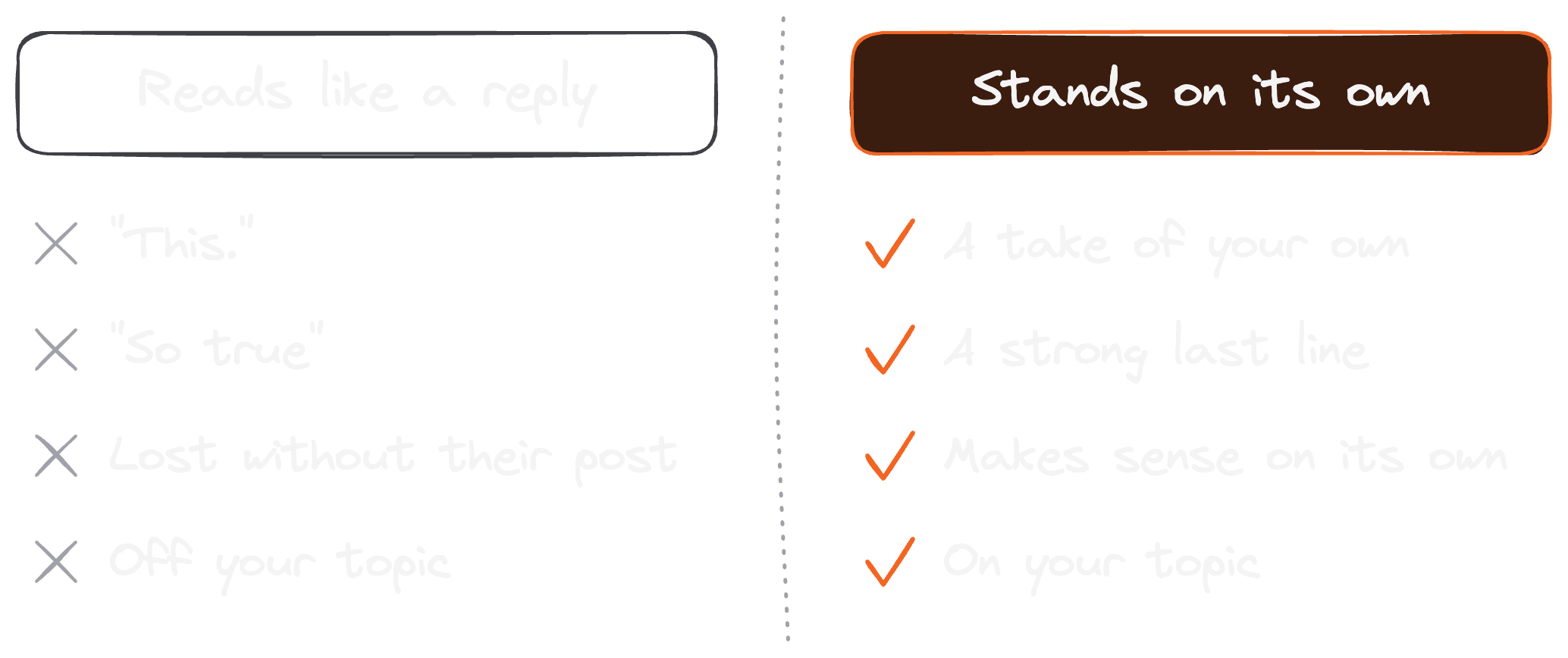
Mistake #1: Writing a reply in a quote tweet's clothing. "This." "So true." "100%." These say nothing on their own, and your followers have no reason to stop. If your take only makes sense after reading the original, it belonged in the replies. A good quote tweet stands on its own, with the quoted post as the proof underneath.
Mistake #2: Quoting off your topic. A viral post about politics or celebrity gossip will get you views. It won't get you followers who care about what you write. Quote posts that sit inside your niche, so the readers you borrow are the readers you want.
Mistake #3: Dunking on the person you quote. Quoting someone to mock them can go viral, and it attaches your name to the pile-on. The person you quote gets a notification, and their followers can find your quote right under their post. Push their point further, or disagree with the idea and leave the person out of it.
Avoid those three and most of your quote tweets will land.
FAQ
How do I see who quoted my tweet?
Open your post on X and look under it for its activity. On the web, click the three dots (···) at the top right of the post and pick the option to view the post's activity or engagements, then open the Quotes tab. In the app, tap the post, then tap its quote count. X moves these menus around, so if the label looks different, look for "Quotes" next to "Reposts" and "Likes".
Can I delete a quote tweet?
Yes. A quote tweet is your own post, so delete it like any other: click or tap the three dots (···) on it and pick Delete. The original post stays up. If the person you quoted deletes their post, your quote stays live, and the box underneath says the post is unavailable.
Can I quote tweet a private account?
No. Posts from protected (private) accounts can't be reposted or quoted, so the repost icon is greyed out on them.
Can I quote my own tweet?
Yes, the same way: repost icon, then Quote. Quoting your own post a day or two later is a good way to give a strong post a second wave, and it's how I push my X Articles.
Does a quote tweet notify the person I quote?
Yes. They get a notification, and your quote tweet appears in the list of quotes under their post.