How To Write A LinkedIn Summary: 8 Examples, A Fill-In Template, And The 3 Questions Your About Section Must Answer
Nicolas ColeNovember 13, 2026
Write a LinkedIn summary in 20 minutes: the 3 questions your About section must answer, a fill-in template, and 8 examples by role to adapt.
Your LinkedIn summary is where a curious visitor decides whether you're worth following.
Someone reads one of your posts, clicks your name, and lands on your profile. They read your LinkedIn headline, then the first lines of your About section. In a few seconds they decide: follow, message or leave. Most About sections lose them, because they read like a résumé pasted into a text box.
I've thought hard about this section. When I crossed 127,000 followers on LinkedIn, the post I wrote about it was about the profile, because the profile is where a reader turns into a follower. Before that, I generated $3M+ ghostwriting for founders, executives and business owners, people whose profiles had to make the case for them.
Below you'll find the 3 questions every good LinkedIn summary answers and a 5-step way to write yours. Then come the character limit, the keywords, a template to fill in and 8 examples by role. (Once your summary promises what people will hear from you, your posts have to deliver it. Typeshare for LinkedIn lets you write and schedule them from one queue. To make every line read well, start with 15 writing tips for beginners. You do the writing; the robots do the rest.)


What Is The LinkedIn About Section? (And Where Does It Show Up?)
Your LinkedIn summary and your About section are the same thing.
People still search for it as the "summary," and LinkedIn's own blog still calls it that. On your profile it's labelled About: the text box near the top, under your name and headline. LinkedIn's own Talent Blog describes it as "an open-ended space (sort of; 2,600 characters max) where you give an overview of your professional life."
Here's what a visitor sees when they land on the About section on LinkedIn:
- The first few lines, then a "see more" link. Everything below that link is hidden until someone clicks.
- Plain text only. No bold, no headers. Line breaks, bullet characters and emojis are all you get for formatting.
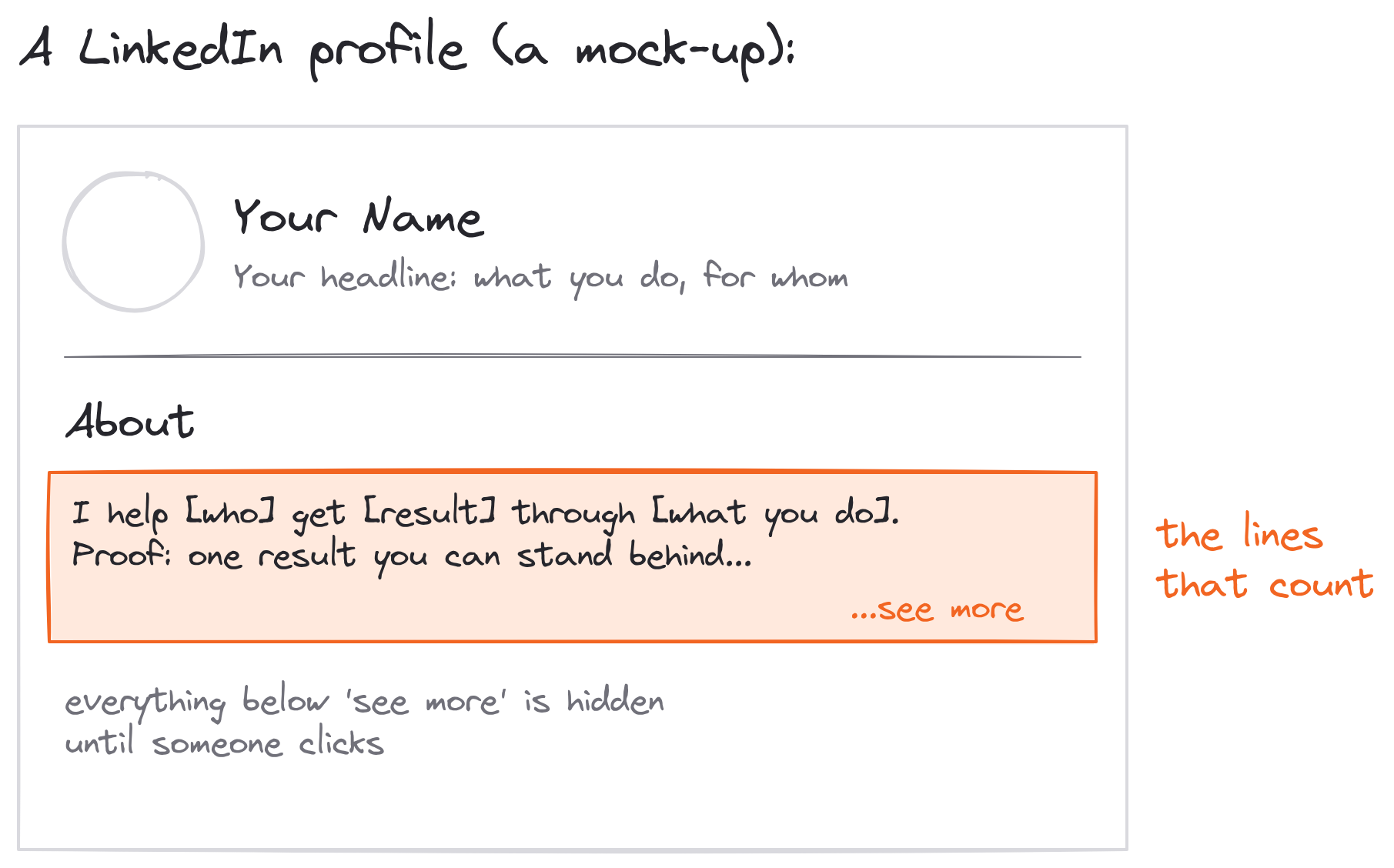
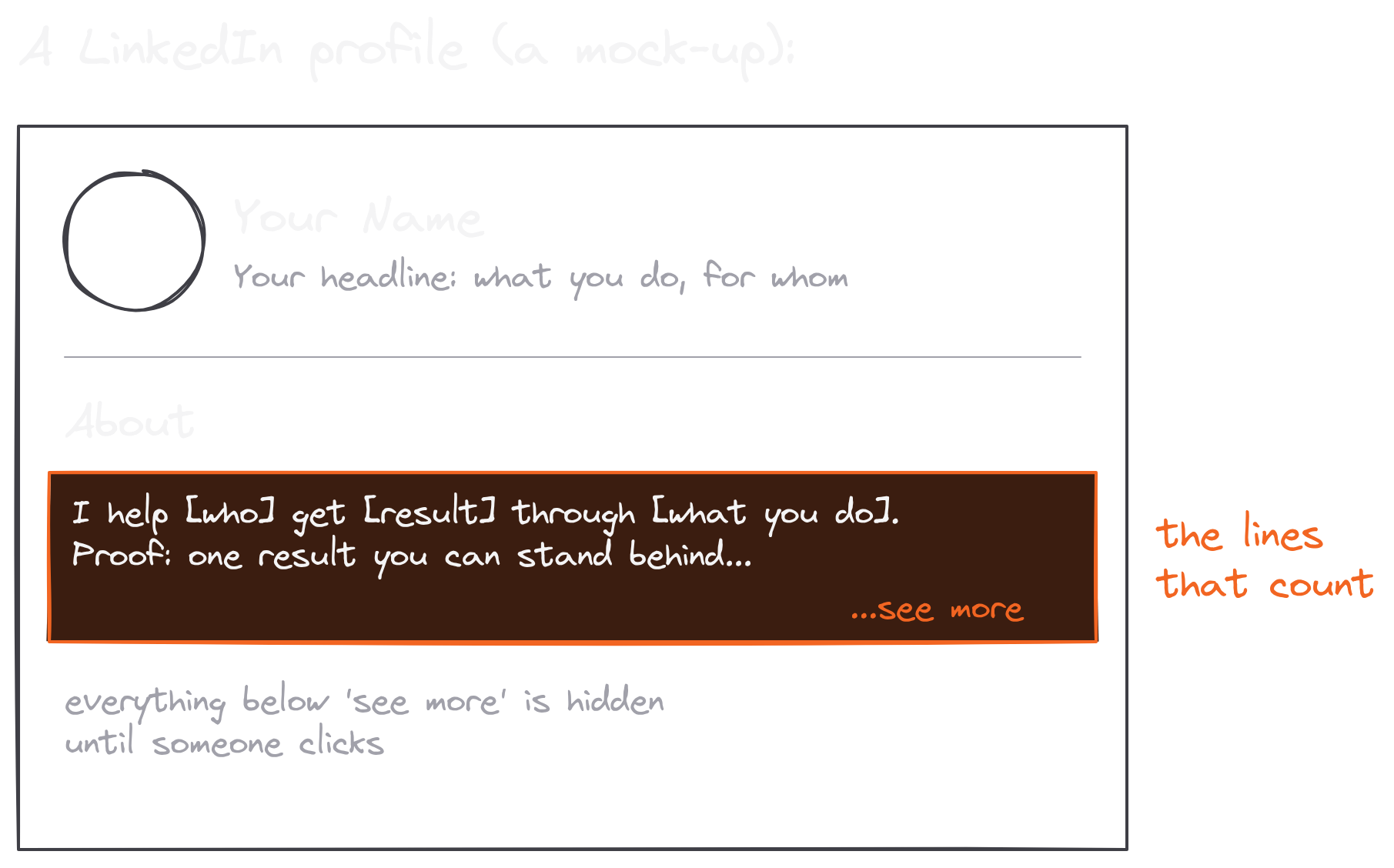
If you don't have an About section yet, add it from your profile's Add profile section menu. To change one you have, click the pencil icon on it to open the Edit about box.
The LinkedIn About section is your summary, and its first few lines do most of the work.
The 3 Questions A Good LinkedIn Summary Answers
What does a stranger need to know before they hit Follow?
I answered that in my 127,000-followers post. Think of your bio on LinkedIn as a "mini sales pitch" to your readers:
- This is who I am
- This is what I do
- This is what you can expect to hear from me
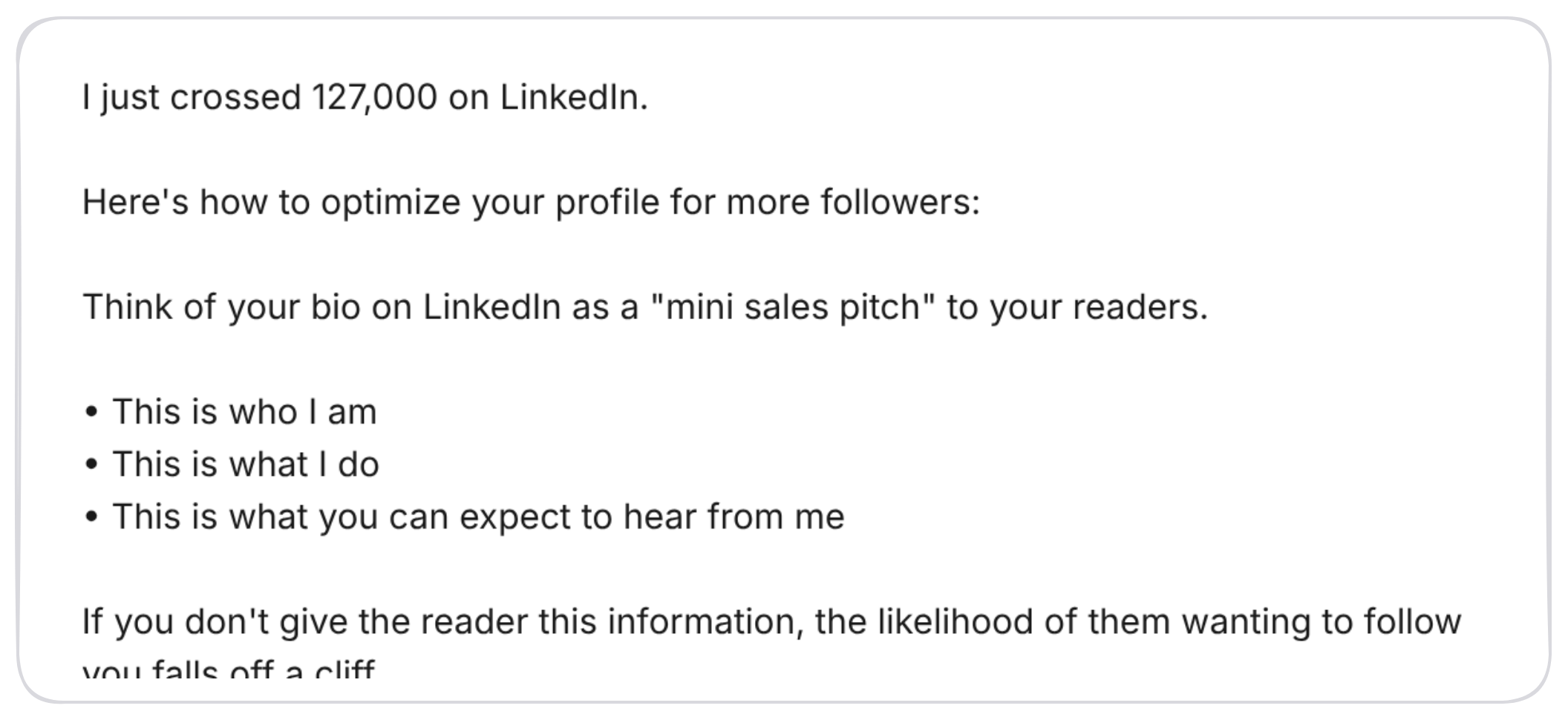
As I wrote in that post: "If you don't give the reader this information, the likelihood of them wanting to follow you falls off a cliff."
Each question does a different job. "Who I am" gives the reader a reason to trust you: the work you've done, the result you're known for, the place you're coming from. "What I do" tells them whether you're relevant to them: the service, the skill, the people you help. And "what you can expect" is the one almost everyone forgets. It tells a reader what's in it for them if they follow you, which is the whole reason a profile visit turns into a follow.
A good LinkedIn summary answers all three before the "see more" link, then uses the rest of the space to back them up. Your headline answers the same questions in one line (I wrote 50 LinkedIn headline examples built on this formula). The summary gets to answer them with proof.
Who you are, what you do, what readers can expect: a good LinkedIn summary answers all three.
How To Write A LinkedIn Summary In 5 Steps
Don't write your summary from the top down.
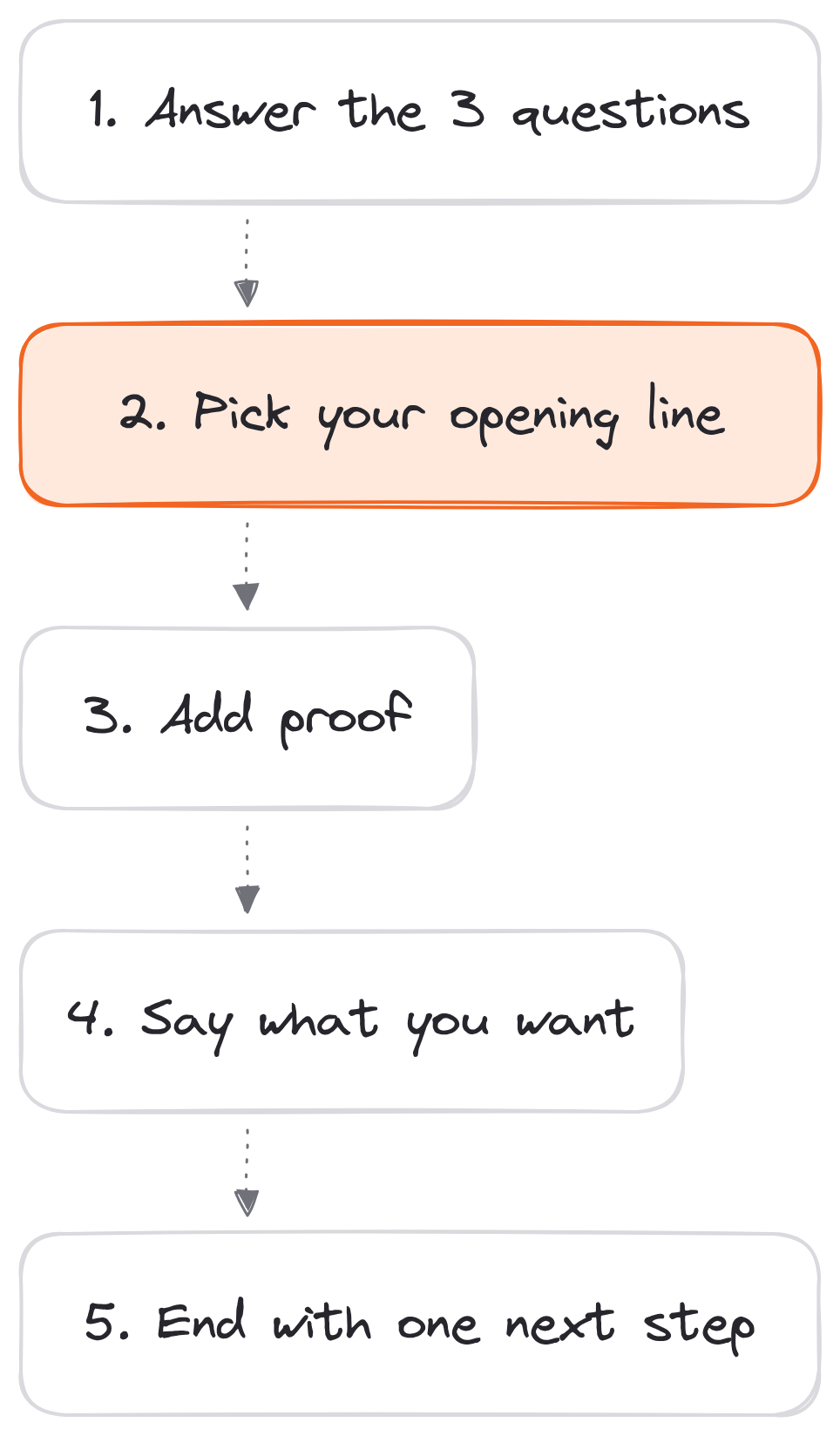
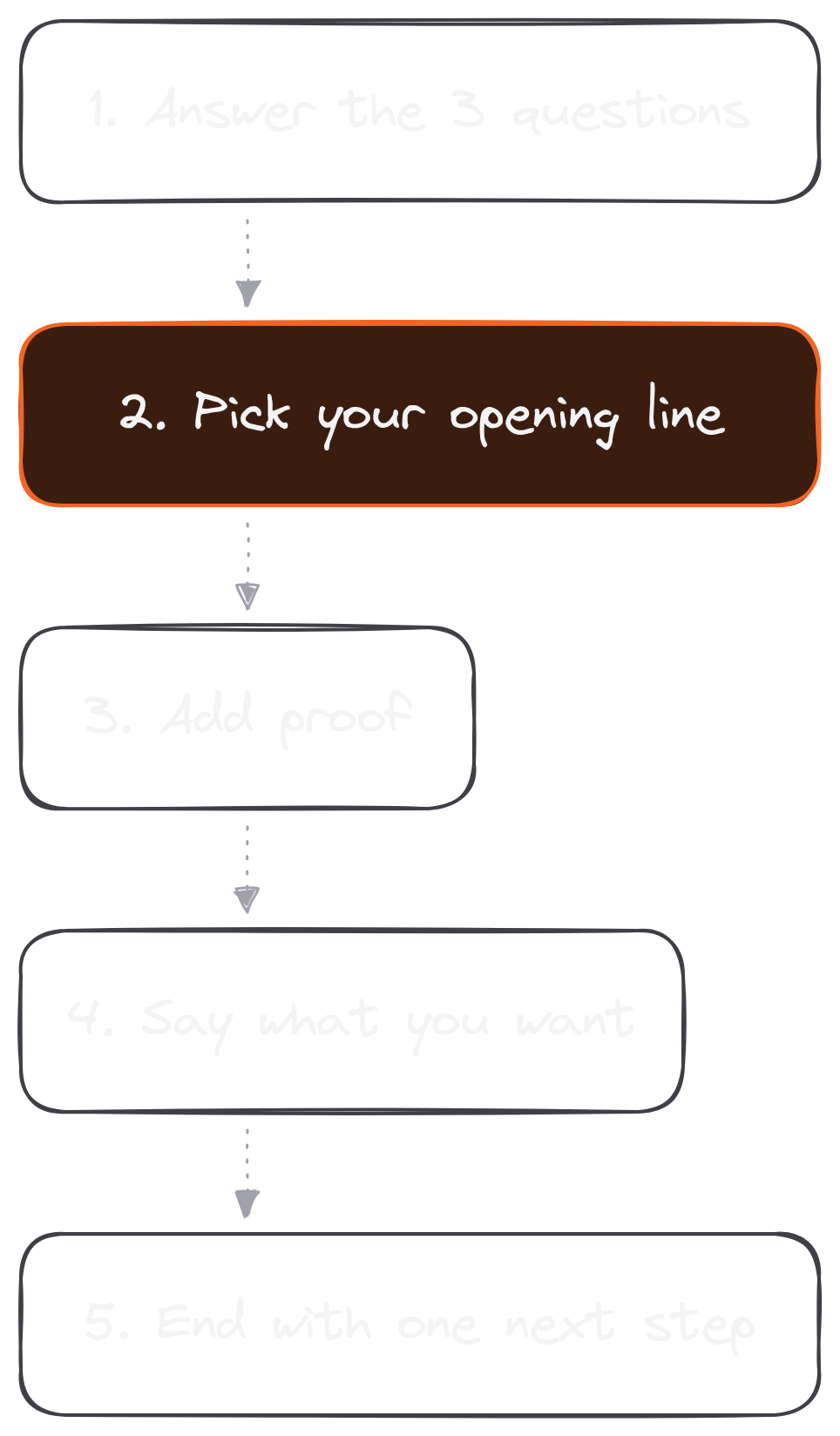
Most people open a blank About box and start with "I am a passionate professional with over 10 years of experience…" and then stall. Write the parts first, then put them in order. Here's the 5-step way I'd do it:
- Answer the 3 questions in one line each. Who you are, what you do, what readers can expect. Write them badly first. You'll fix them in a minute.
- Pick your opening line. Of the three, which one matters most to the person you most want reading? For a freelancer it's usually "what I do." For a creator, "what you can expect." Put that one first and make it specific. LinkedIn's Talent Blog puts it this way: "Every word matters in your summary, but your first words really matter."
- Add proof. Two or three things you can stand behind: results, numbers, names of things you built or shipped. Proof is what turns a claim into a reason to believe you.
- Say what you want. A job, clients, readers, speaking gigs. LinkedIn's own advice includes "Ask for what you want," and it's the step people skip.
- End with one next step. Follow me, message me about X or read my newsletter. Pick one call to action and stop there.
Here's step 2 on a sample first line (made up for this article):
- Before: "Passionate marketing professional with 10+ years of experience driving growth."
- After: "I help B2B software companies turn their founders' know-how into LinkedIn posts that bring in demos."
The first line could describe a thousand people, and a reader can't picture any of it. The second names who you help, what you do and the result you're after, in one sentence. It's plain and specific, and specific is what makes a stranger keep reading.
Then read it out loud. If a sentence sounds like a cover letter, rewrite it the way you'd say it to someone at a coffee shop. (For more on sounding like yourself, read tone of voice.)
Write the parts, put the strongest first, and how to write a LinkedIn summary becomes a 20-minute job.
The LinkedIn About Section Character Limit (And The Lines Before "See More")
You have 2,600 characters, and most visitors will only read the first two lines.
That 2,600 comes straight from LinkedIn's own Talent Blog, and it's the LinkedIn About section character limit to plan for in 2026.
The number that matters more is the one you can't see. Only your opening lines show before the "see more" link, and the exact cut depends on the screen. So treat your first two lines as the whole summary for most visitors:
- Line 1: the most important answer (what you do, or what readers can expect).
- Line 2: the proof, or the reason to click "see more."
Everything after that is for the people who are already interested. Below "see more" is where you put:
- The longer story: how you got here, in two or three lines.
- More proof: results, projects, the names of things you shipped.
- Your skills, in plain words: the ones people search for (more on that below).
- Your call to action: one next step, and how to reach you.
How long should the rest be? Long enough to answer the 3 questions with proof, and no longer. A few short paragraphs is plenty for most people. LinkedIn's blog also suggests you "create white space," and I agree: short paragraphs with a blank line between them read far better on a phone than one block of text.
2,600 characters is the LinkedIn About section character limit; the first two lines are the part that counts.
LinkedIn Summary Keywords: Where They Go
Your summary gets read by people and by LinkedIn's search.
When a recruiter or a potential client searches LinkedIn for "B2B copywriter" or "executive assistant," the words in your profile help decide whether you show up. LinkedIn's own advice on summaries includes "Pump the keywords." Use the words your ideal reader would type, inside sentences that make sense, and skip the buzzword list at the bottom.
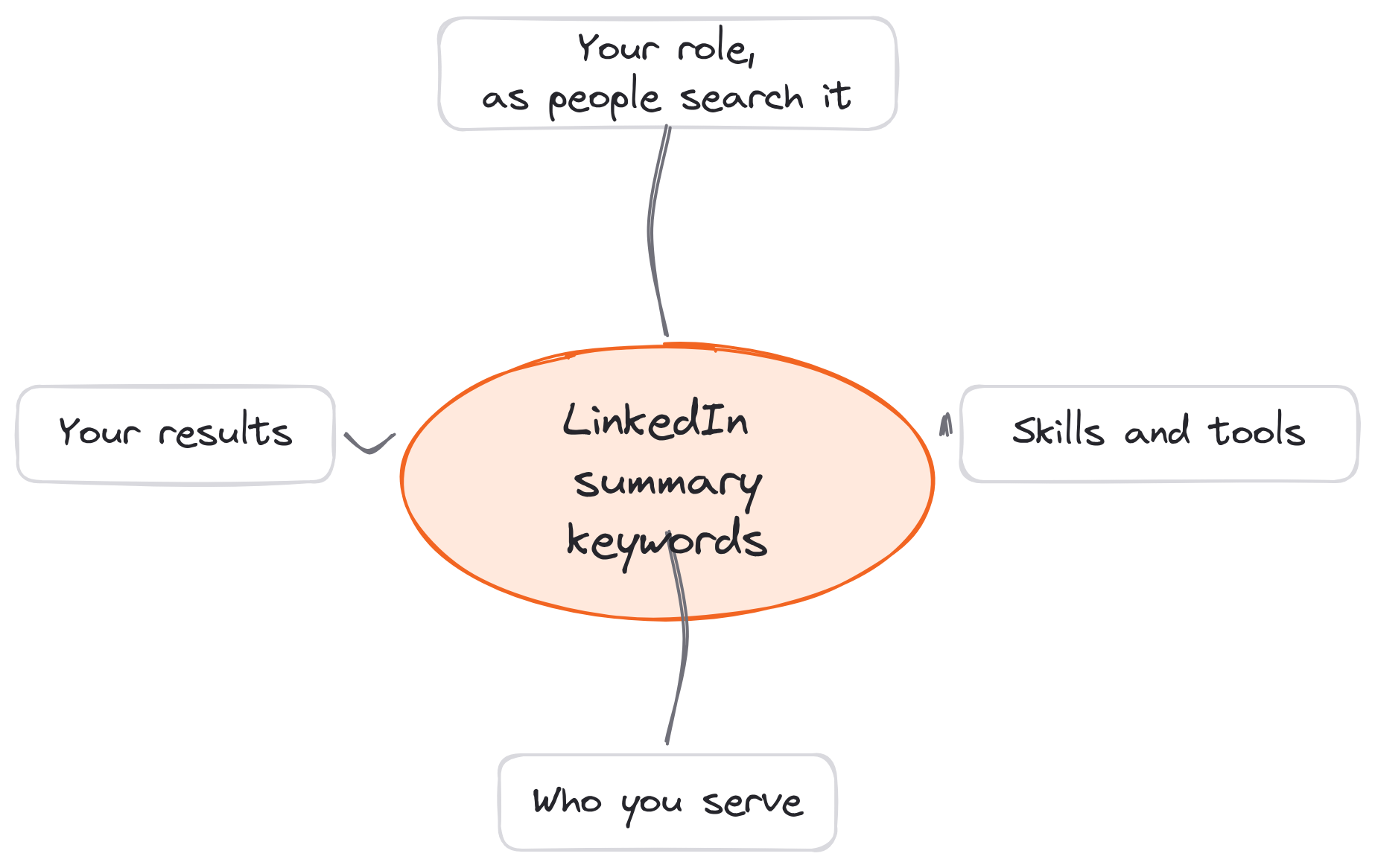
Here's where LinkedIn summary keywords belong:
- Your role, the way people search for it. "Ghostwriter" or "executive assistant." Use the plain title, even if your company calls it something fancier.
- The skills or tools you're hired for. "Calendar management," "Figma," "email marketing," "Salesforce."
- The people or industries you serve. "SaaS founders," "healthcare startups," "real estate agents."
- Your results, in the words a buyer would use. "Grew a newsletter," "cut onboarding time," "booked meetings."
Then check your headline. The headline is the first thing LinkedIn search shows, so your most important keyword belongs there too. Look at these LinkedIn headline examples for how to fit one in without sounding robotic.
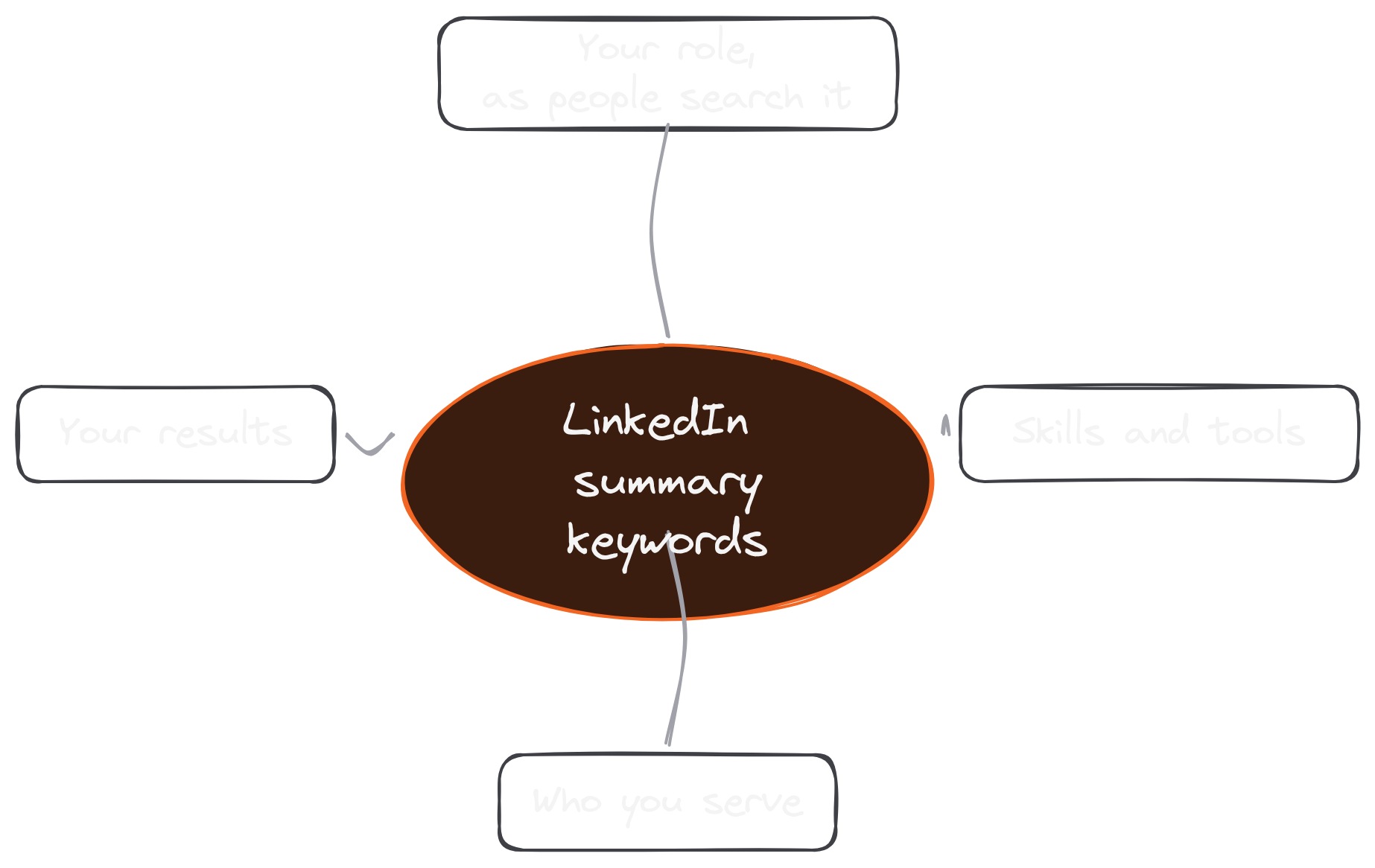
Put LinkedIn summary keywords where a real sentence needs them, and search and readers both understand you.
A LinkedIn About Me Template To Fill In
A blank About box is intimidating; a template with blanks is easy.
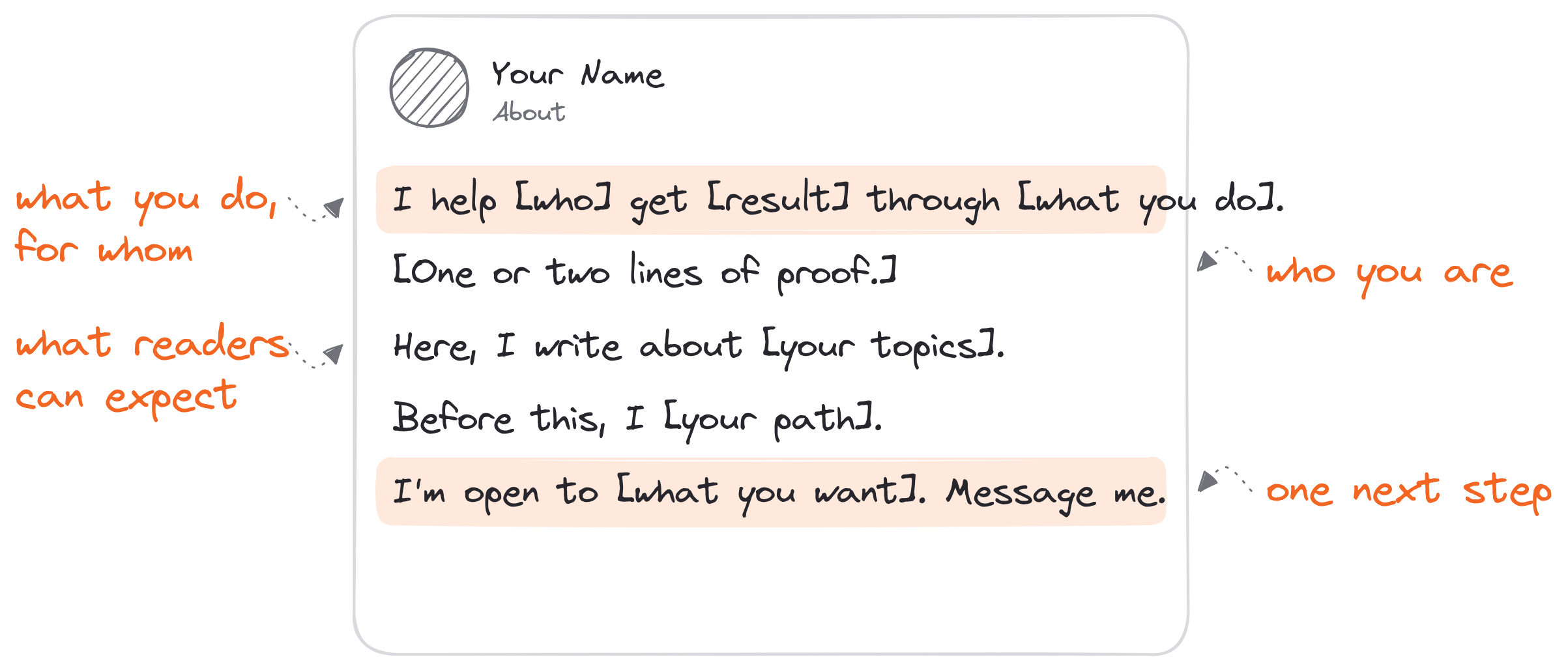
Here's the template I'd give anyone starting from zero. Fill in the brackets, delete what doesn't fit, and keep the order:
I help [who you serve] [get what result] through [what you do].
[One or two lines of proof: a result, a number, something you built.]
Here, I write about [topic 1], [topic 2] and [topic 3]. Follow along if you [want what your reader wants].
Before this, I [one line on your path: past roles, a turning point].
[What you want:] I'm open to [jobs, clients, collaborations]. [How to reach you:] Message me, or [your one link].
If you're a freelancer, Dickie has an even shorter version of line one. "Say exactly what you do in your bio," he writes in his 5 steps to land your first writing client: "Don't get 'clever' here." His template is "I ghostwrite {asset} for {target client}," as in "I ghostwrite LinkedIn content for EdTech startup founders." Swap "ghostwrite" for your own service, and that's a strong first line for any LinkedIn about section template.
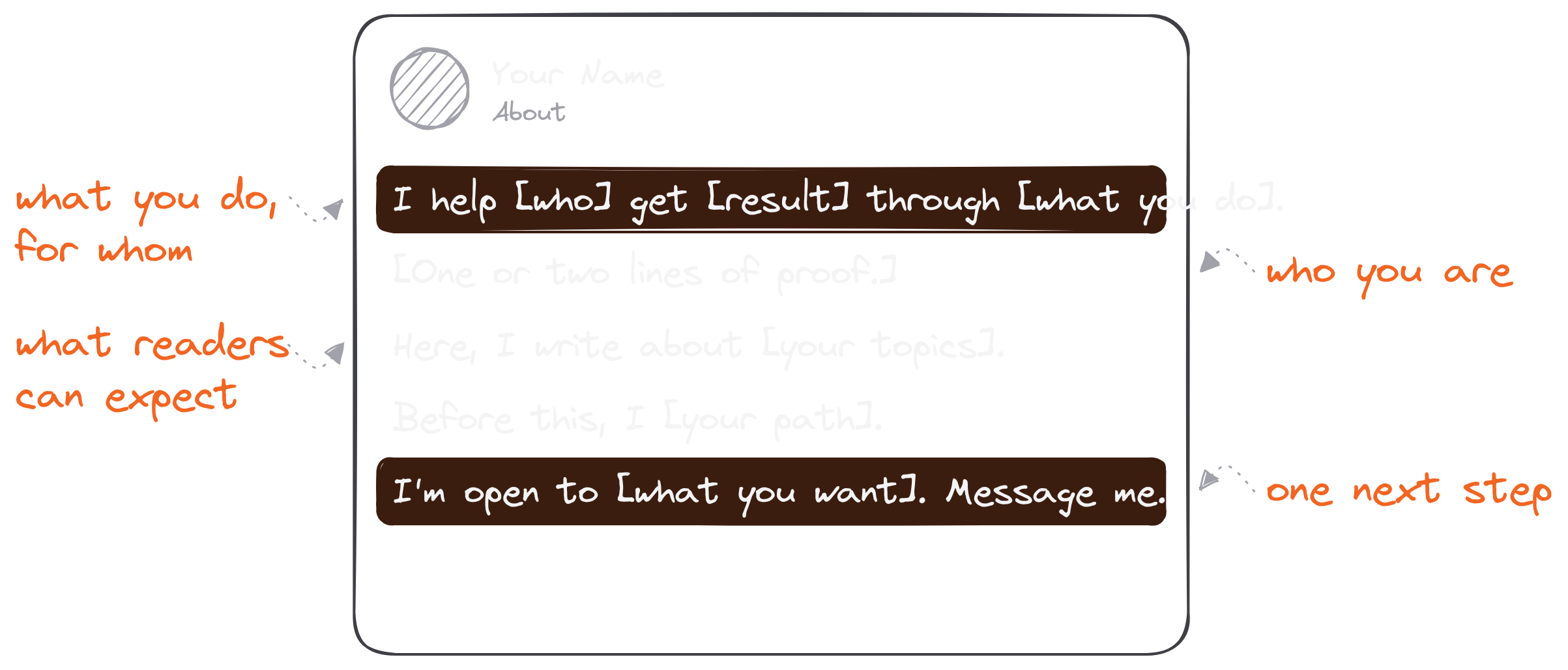
Fill in the brackets, and your LinkedIn about me template is a finished first draft.
8 LinkedIn Summary Examples By Role
The fastest way to write yours is to start from one that's close.
The 8 LinkedIn summary examples below are samples I wrote for this article, one per role. They aren't real people's profiles. Each one follows the same 3 questions and the template above, so you can see how the parts change from role to role. Swap in your own details, results and voice.
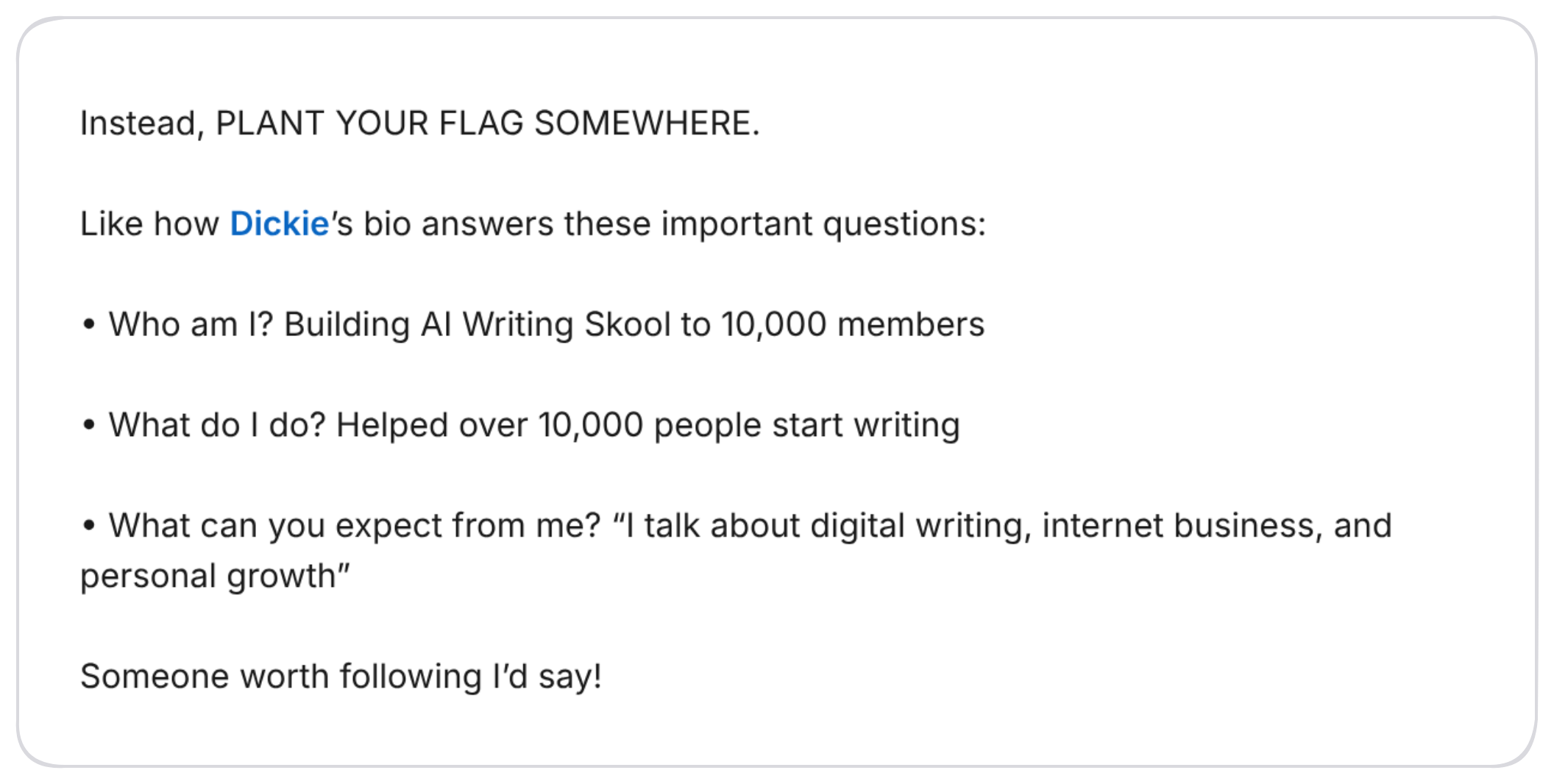
But first, one real example. Here's how I described Dickie's bio in my 127,000-followers post, with each line answering one question:
Now the 8 samples.
Example #1: A Writer Or Creator
I write about building an audience online, one clear post at a time.
Every weekday I share one lesson from three years of writing on the internet: what worked, what flopped and what I'd do differently.
Follow along if you want to grow a following without becoming a full-time influencer.
Example #2: A Freelancer Or Ghostwriter
I ghostwrite LinkedIn posts for B2B software founders.
My clients get a week of posts in their own voice from a single 30-minute call, so they can stay visible without writing every day.
I share what I learn about founder-led content here. Want posts that sound like you? Message me.
Example #3: A Founder
I'm building a scheduling tool for independent clinics, so front desks spend less time on the phone.
Before this, I ran operations at a clinic and saw how many hours disappeared into rebooking.
Here I write about building a company in healthcare, hiring my first team and what our customers teach us. Follow for the honest version.
Example #4: A Job Seeker Or Student
I'm a recent marketing graduate looking for my first role in content or social media.
In school I ran our department's Instagram account and wrote a weekly newsletter for 400 students.
I'm open to entry-level marketing roles. If you're hiring (or know someone who is), I'd love to hear from you.
Example #5: An Administrative Assistant
I keep busy executives organized, on time and one step ahead.
I manage calendars, travel, inboxes and board materials for leadership teams, and I'm the person who makes sure nothing falls through the cracks.
Skills: calendar management, travel planning, Microsoft 365, Google Workspace, meeting prep and confidential communication. I'm open to executive assistant roles.
People search for LinkedIn summary examples for administrative assistants by name, and good ones are hard to find. The trick is to name the outcome executives care about (organized, on time) before the task list, then put the skills in plain words a recruiter would search.
Example #6: Sales
I help mid-size manufacturers buy software they'll actually use.
My job is to understand how your floor runs before I recommend anything, so most of my week is spent listening.
I post about sales without the pushy parts: discovery calls, honest demos and the follow-ups that work. Connect if you're in manufacturing or sell to it.
Example #7: A Marketer
I turn product launches into stories people share.
I lead content and launch marketing for a consumer app, from the first teaser post to the week-after recap.
I write about launch plans, landing pages and what I'd steal from other brands. Follow if you're planning a launch.
Example #8: A Career Changer
After eight years teaching high school science, I'm moving into instructional design.
I've spent my career turning hard ideas into lessons teenagers will sit through, and I'm now building e-learning courses with Articulate and Canva.
I share what I'm learning about the switch, and I'm open to instructional design roles. Message me if your team builds training.
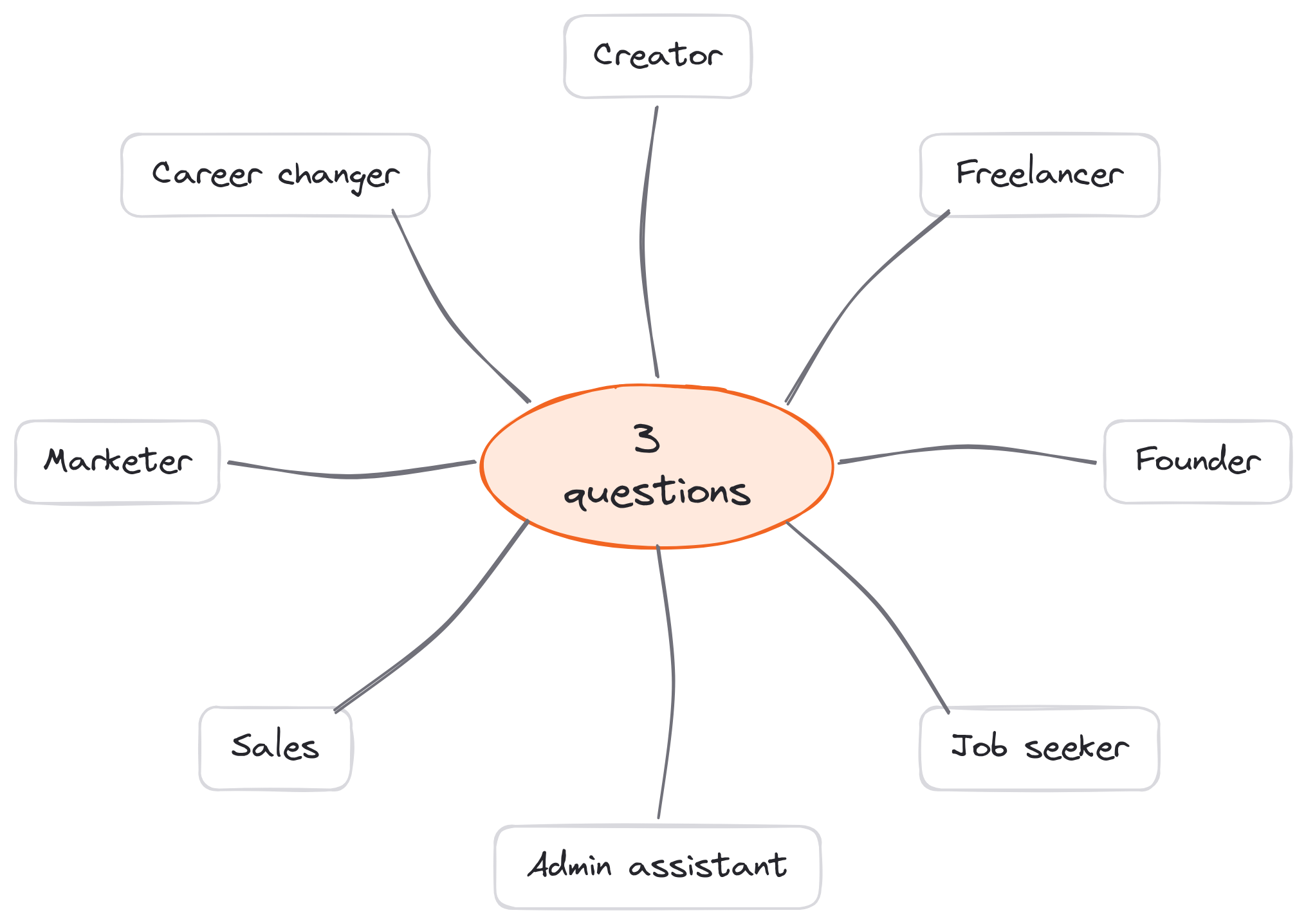
Eight roles, one pattern: every one of these LinkedIn summary examples answers the same 3 questions.
3 Mistakes That Make People Leave Your LinkedIn Profile
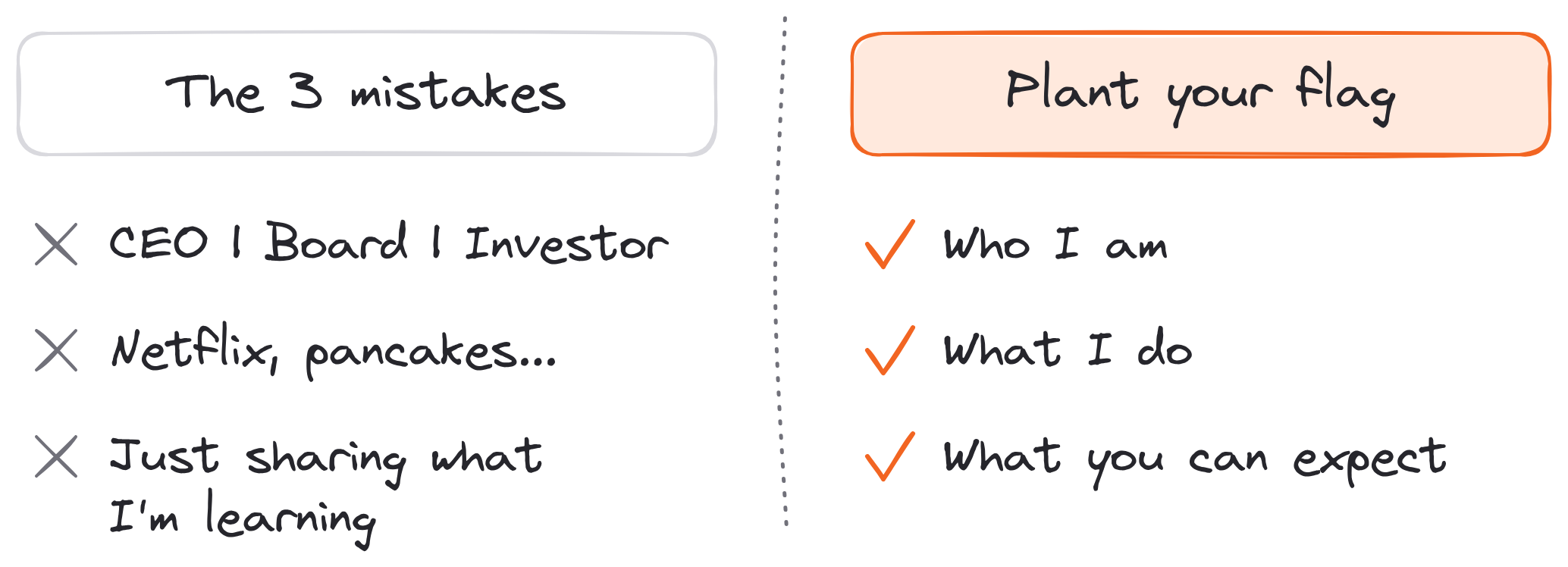
Most weak About sections fail in one of three ways.
These come straight from my profile post.
Mistake #1: Only listing "what you do." "CEO of X. Board member of Y. Investor in Z." It's credible, but credibility alone doesn't answer the reader's real question: "Why should I pay attention to you?" It's fine to list your titles (I include mine at the end), as long as the summary first tells people what they'll get.
Mistake #2: Being clever, not clear. "Netflix, pancakes and Stephen King novels. Don't bother me, I'm writing." Who are they? No clue. What do they do? No idea. What can you expect from them? Who knows. A clever line feels creative to write and confusing to read.
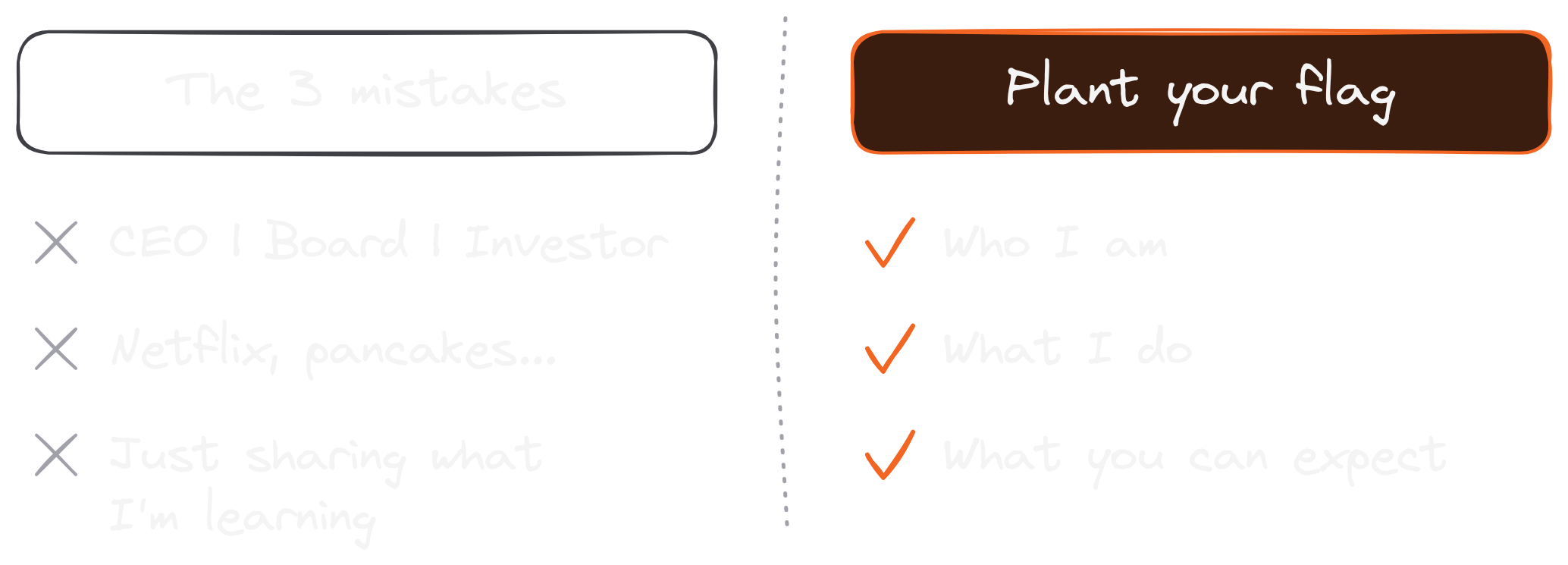
Mistake #3: "Just sharing what I'm learning." When you write this, you're telling readers you don't know who you are yet, what you do or what you'll post. Plant your flag somewhere. You can always move it later: as I put it, your bio "can (and probably should) change over time."
Fix these 3 mistakes, and visitors stop leaving your LinkedIn profile confused.
FAQ
What is a LinkedIn summary?
A LinkedIn summary is the text in the About section of your profile: an overview of who you are, what you do and what people can expect from you, in up to 2,600 characters.
Is the LinkedIn summary the same as the About section?
Yes. "Summary" is the section's old name; LinkedIn now labels it About. People search for both.
How long should a LinkedIn summary be?
Up to 2,600 characters is allowed. Most good ones are a few short paragraphs, with the most important answer in the first two lines, before "see more."
Should I write my LinkedIn summary in first person?
Yes. LinkedIn's own advice is to "write how you speak," and "I help…" reads warmer than "Jane helps…". Third person sounds like a press release.
Can I use bullet points or emojis in my About section?
Yes. The About section is plain text, but you can paste bullet characters and emojis, and blank lines between paragraphs make it easier to read. Keep emojis to a few; a summary full of them is hard to scan.
Can AI write my LinkedIn summary?
It can draft one. LinkedIn's own Profile Writing Assistance suggests About text for a select group of Premium subscribers. Either way, edit the draft until it answers the 3 questions in your own words.
How often should I update my LinkedIn summary?
Whenever what you do or what you post about changes. Your bio can (and probably should) change over time, so check it every few months.
What is a good LinkedIn summary?
One that answers who you are, what you do and what readers can expect. It backs those answers with proof and ends with one clear next step.